Viewing Panel Logs
Viewing Panel Logs
When something does not work, the logs tell you why. Many of them are visible right in the panel; the rest are one command away over SSH.
Logs in the panel
| What | Where | Shows |
|---|---|---|
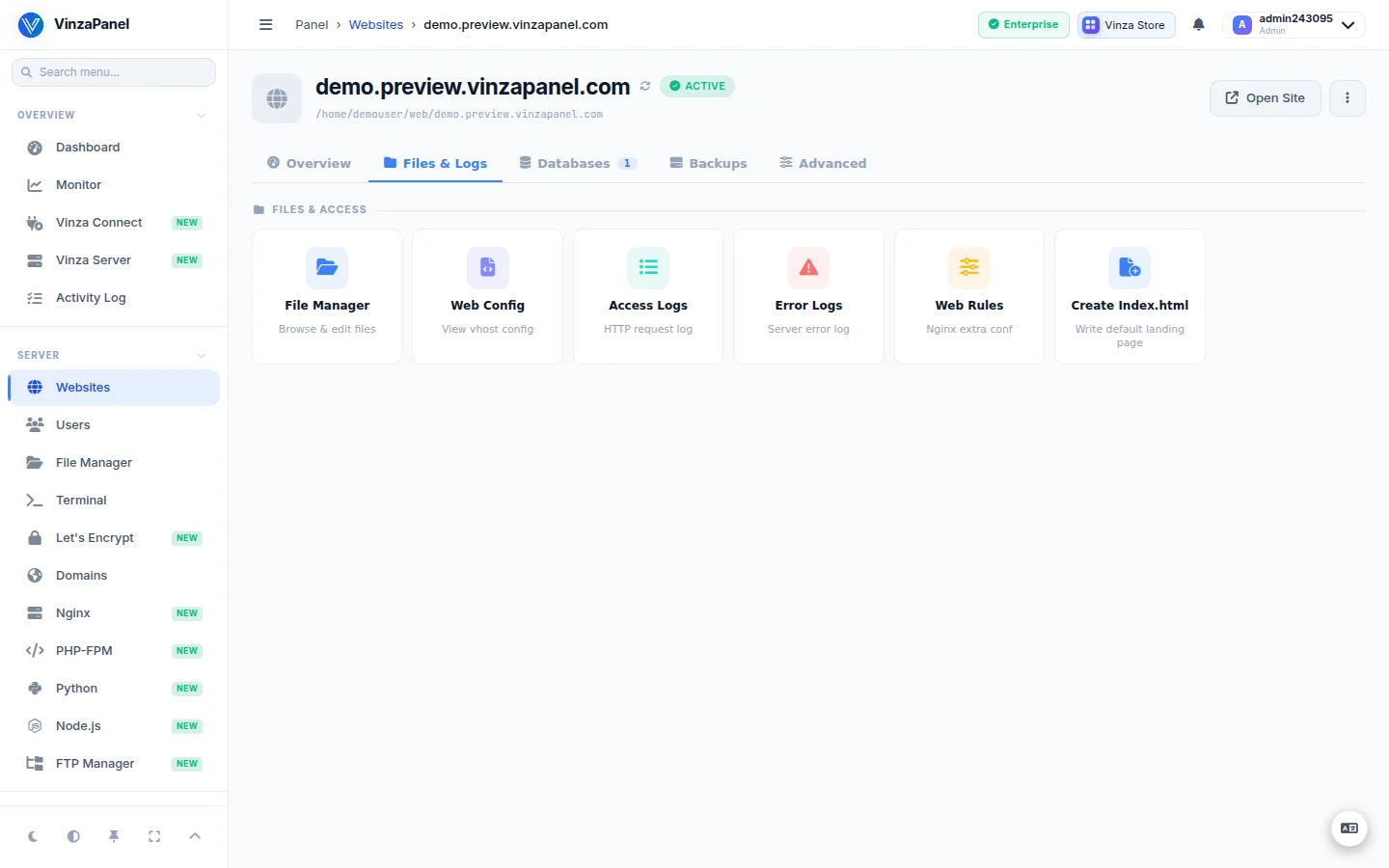
| Website access and error logs | Server → Websites → open a site → Files & Logs → Access Logs / Error Logs | HTTP requests and web-server/PHP errors for that site |
| Activity Log | Overview → Activity Log, or Activity Log in your user menu | What you did in the panel |
| Audit Log | Administration → Audit Log | Actions by all users, for administrators |
| Panel update log | Vinza Connect → Update → Show log | Output of a panel update |
| Logs on other servers | Vinza Server → Logs | Tail nginx, apache, syslog, auth, mysql or any path on a node |
Log files on the server
| Log | Location |
|---|---|
| Installer | /var/log/vpanel-install.log |
| Panel errors and request log | /opt/vinzapanel/data/logs/django.log |
| Privileged agent actions (audit trail) | /opt/vinzapanel/data/logs/agent-audit.log |
| Panel service | journalctl -u vinza-panel |
| Agent service | journalctl -u vinza-agent |
| Worker (only when it runs as its own service) | journalctl -u vinza-worker |
| Panel updates | /var/log/vinza-self-update.log |
| Website access log | /home/<user>/logs/<domain>.access.log |
| Website error log | /home/<user>/logs/<domain>.error.log |
| Component installs on a Vinza Server node | /var/log/vinza-components.log (on the node) |
If you installed into another directory with INSTALL_DIR, replace /opt/vinzapanel accordingly.
Useful commands
# Follow the panel service live
sudo journalctl -u vinza-panel -f

# Last 50 lines from the agent
sudo journalctl -u vinza-agent -n 50

# Panel errors
sudo tail -n 100 /opt/vinzapanel/data/logs/django.log

# One website's errors, live
sudo tail -f /home/alice/logs/example.com.error.log
Note
On a default install the background worker runs inside vinza-panel, so its messages appear in journalctl -u vinza-panel. A separate vinza-worker service is used only when WORKER_IN_ASGI=false is set in .env.