Backup & Restore Databases
Backup & Restore Databases
There are three ways to make a copy of a database in VinzaPanel. Pick the one that fits the job.
| You want to… | Use | Engines |
|---|---|---|
| Download a dump right now, or load one in | Export / Import on the database page | MySQL, MariaDB |
| Keep regular copies on the server, restore with one click | Backups (Only Database or Website and DB) | MySQL, MariaDB |
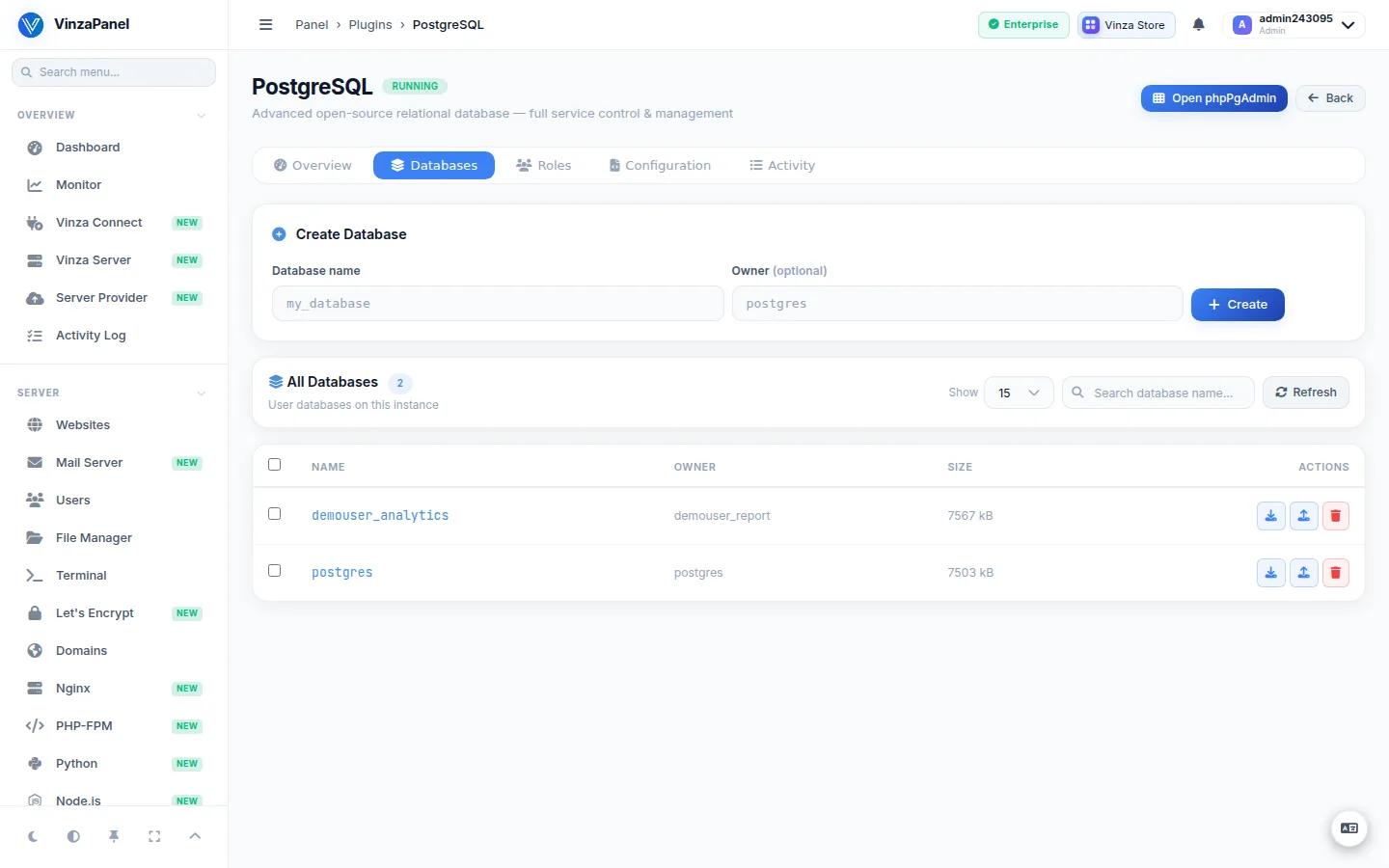
| Back up a PostgreSQL database | The PostgreSQL app (pg_dump / pg_restore) | PostgreSQL |
Quick export and import
- Open Databases and click the database.
- In Backup / Restore, choose Export as
.sqlor.sql.gzand click Export to download it. - To load a dump, drop a
.sqlor.sql.gzfile (max 50 MB) on Import.
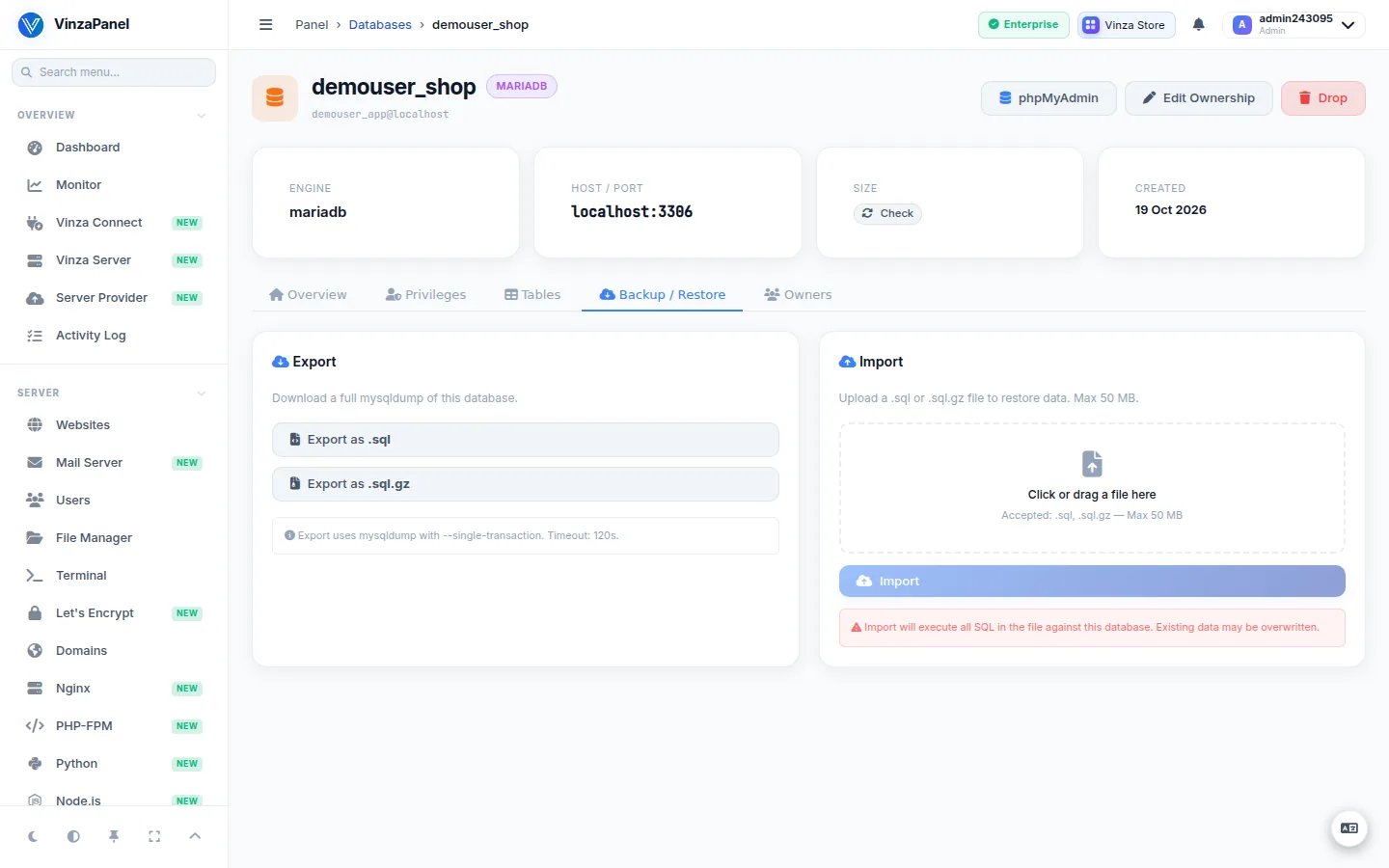
Import executes every statement in the file against the database, so existing data may be overwritten.
Backups of a database
- Go to Backups (
/backups/) and click Create Backup. - Choose Only Database and the database, then Start Backup. The panel makes a consistent
mysqldump, gzip-compressed, in the background. - To include the site files too, choose Website and DB instead: the archive holds the website's files plus every MySQL/MariaDB database linked to that website.
Archives are stored in the owner's home under /home/<user>/backups/databases/<database>/ as <database>_<YYYYmmdd-HHMMSS>.sql.gz. For daily or weekly copies, create an automatic backup on the same page.
Restore
Click Restore on a finished backup. Each table in the archive replaces the current one; tables created since the backup stay. The database must still exist in the panel and the panel must know its password (set it on the database page if it was adopted by Reconcile).
See Backups for schedules, retention and restore details, and Off-site Backups to keep copies away from the server.
PostgreSQL databases
The built-in backups and the Export / Import card handle MySQL and MariaDB only; PostgreSQL databases linked to a website are skipped in a Website and DB archive. Use the PostgreSQL app instead (Databases → PostgreSQL, /apps/postgresql/):
- Backup runs
pg_dump -Fcinto a compressed custom-format archive (default folder/var/backups/postgresql). - Restore runs
pg_restoreinto a target database, which is created if it does not exist; you can choose to drop existing objects first (--clean --if-exists).