Service Recovery
Service Recovery
When the panel stops answering or an action keeps failing, the cause is usually one service that stopped. This page shows how to check and restart VinzaPanel's own services and the services your websites depend on, all over SSH.
VinzaPanel's services
| Service | Role |
|---|---|
vinza-panel | The web interface on port 2711 (runs as the vinzapanel user). On a default install it also runs the background tasks. |
vinza-agent | The root agent that performs system changes (websites, users, packages). If it is down, the panel opens but actions fail. |
vinza-worker | Background tasks, only when WORKER_IN_ASGI=false is set in .env. Otherwise it stays disabled on purpose — do not start it, or tasks would run twice. |
Check what is running
sudo vinzapanel --mode infoThis prints the version, the panel URL with its secret path, the license status and the state of the panel, agent, web server, database, PHP-FPM and Redis services. Or ask systemd directly:
systemctl status vinza-agent vinza-panelRestart the panel
The easiest way restarts everything and applies any pending database migrations:
sudo vinzapanel --mode restartOr restart a single service:
sudo systemctl restart vinza-agent
sudo systemctl restart vinza-panel
The agent and worker also have their own small menus (start, restart, stop): sudo vinzapanel --mode agent and sudo vinzapanel --mode worker.
If a service will not start, read why:
sudo journalctl -u vinza-panel -n 50
sudo journalctl -u vinza-agent -n 50
Restart website services
Only one web server is active on a server. Restart the one you use, plus PHP-FPM for your PHP version and the database:
# Web server (one of these)
sudo systemctl restart nginx
sudo systemctl restart apache2
sudo systemctl restart lshttpd        # OpenLiteSpeed

# PHP-FPM (replace 8.3 with your version)
sudo systemctl restart php8.3-fpm

# MariaDB
sudo systemctl restart mariadb

# phpMyAdmin's own PHP server
sudo systemctl restart phpmyadmin-php-server
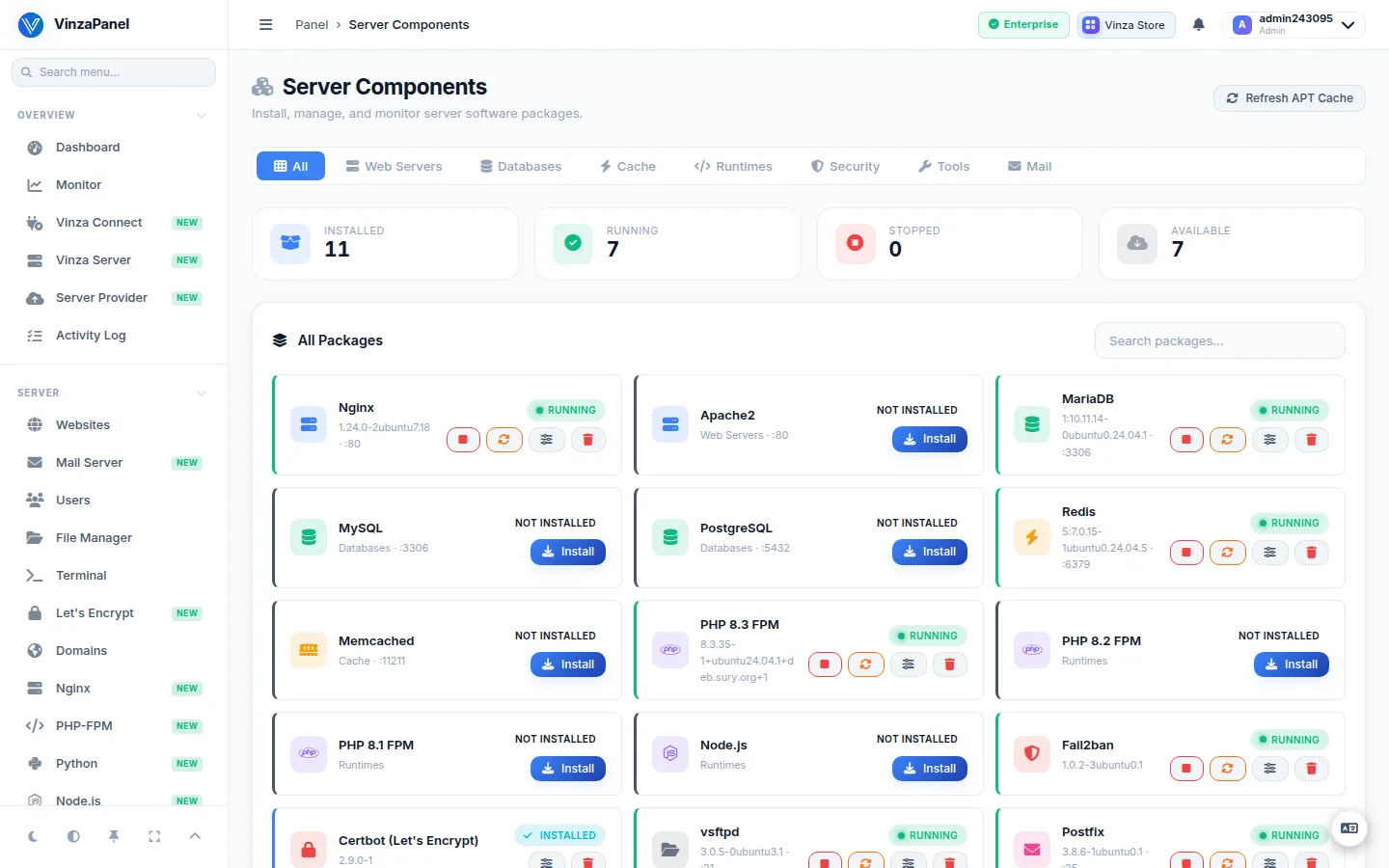
You can also restart services from the panel: Management → Components on this server, or Vinza Server → Services for any connected node.
Locked out of the panel
- Forgot the login address?
sudo vinzapanel --mode infoprints it, including the secret path. Administrators must use that address; the public/login/page refuses admin accounts. - Forgot the password? Run
sudo vinzapanel --mode create_admin, enter your existing username, confirm Update password for this user? and set a new password. - Port blocked? The installer allows 22, 2711, 80, 443 and 53 in UFW. If you changed the firewall, re-allow the panel port:
sudo ufw allow 2711/tcp. Also check your cloud provider's firewall. - No SSH either? Use your provider's web or VNC console to run the commands above.
Repair the installation
If files are damaged or a service file is missing, run the installer in repair mode. It keeps your credentials, .env and database, updates components and rewrites the systemd service files:
sudo vinzapanel --mode reinstall--mode reinstall asks Reset database?. Answer N (the default) unless you really want to erase all panel data and start with new admin credentials.
The panel shows a license page
If every page shows a license notice, the license expired, was suspended, or could not be verified for more than 12 hours. Check VinzaWeb Connection on Administration → Panel License and see Activating Your License. Your websites keep running in the meantime.