phpMyAdmin
phpMyAdmin
phpMyAdmin lets you browse tables, run SQL queries and edit data of your MySQL and MariaDB databases in the browser. It is a built-in app: the first-login setup wizard installs it, and it stays installed as a protected app.
Open phpMyAdmin for a database
You never need to type a database password into phpMyAdmin. The panel signs you in for you (single sign-on), scoped to databases you own:
- Go to Databases (
/databases/). - Click the phpMyAdmin (Auto-login) button on the database row, or phpMyAdmin on the database detail page.
- phpMyAdmin opens in a new tab, already logged in as that database's user.
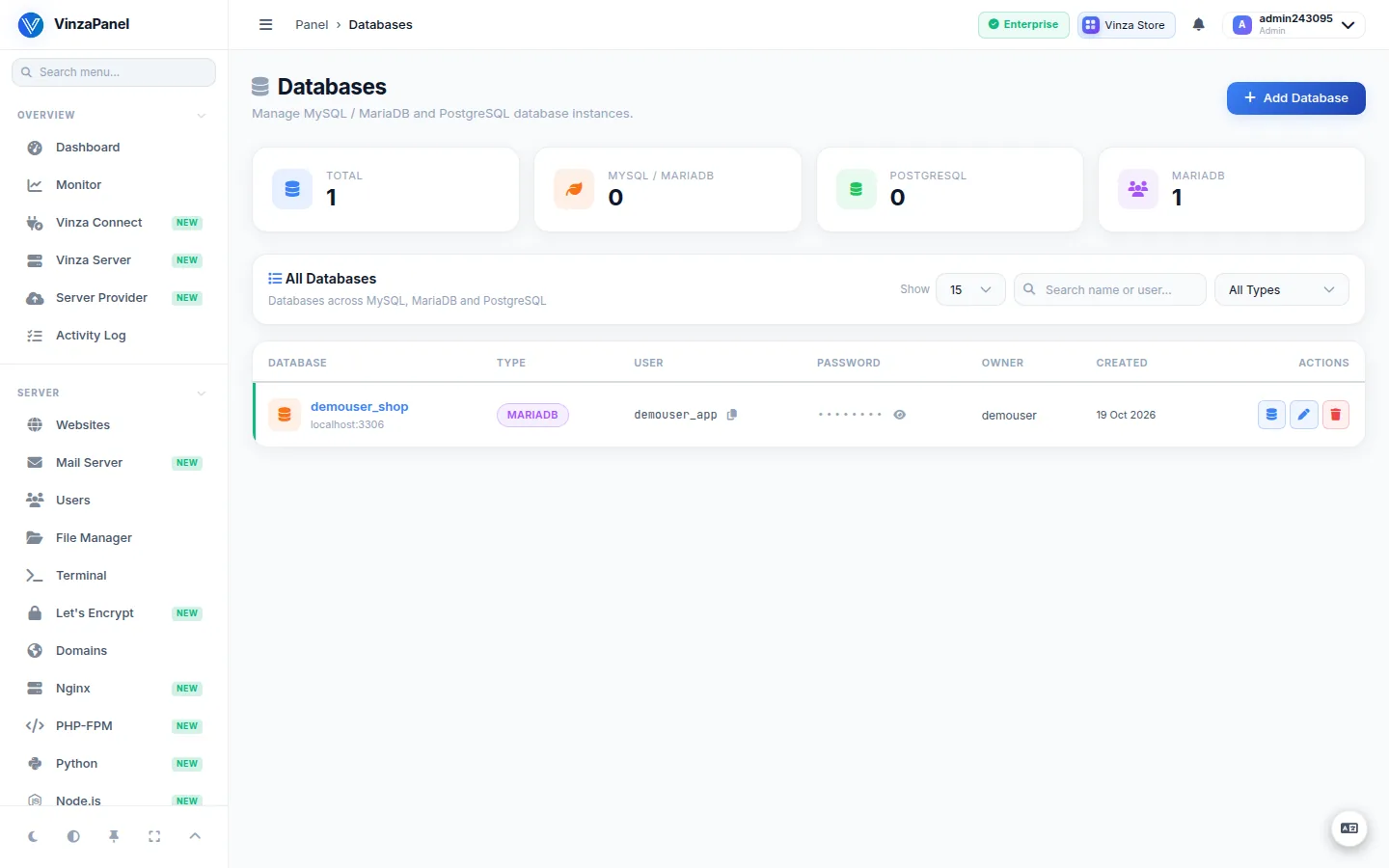
Single sign-on works for MySQL and MariaDB databases only. For a database adopted by Reconcile, set its password on the database page first. Logging in as the MySQL root user is disabled by default — use the database's own account.
Where phpMyAdmin is served
phpMyAdmin runs on its own PHP built-in server (systemd unit phpmyadmin-php-server, running as www-data, bound to localhost when proxied). Your web server publishes it at /phpmyadmin/ on your hostnames, for example https://example.com/phpmyadmin/. The proxy configuration is written for nginx, Apache2 or OpenLiteSpeed and re-applied automatically when you switch web servers.
Turn it off for one website
From 1.3.51 an administrator can stop /phpmyadmin/ and webmail from being served under a particular domain — useful for a shop or help desk that must not expose them:
- Open Websites, choose the site and click Edit.
- Untick Panel web apps on this site and save.
The setting is on by default, survives every configuration regeneration and applies to nginx and OpenLiteSpeed.
Administering phpMyAdmin
Administrators manage the installation at Databases → phpMyAdmin (/apps/phpmyadmin/):
- Service Control — start, stop and restart the PHP server.
- Change PHP Server Port — the systemd unit and proxy or firewall rule are updated for you.
- Web Server Proxy Integration — (re)write the
/phpmyadmin/proxy for your web server. - Enable trusted HTTPS — serve
/phpmyadmin/with the panel domain's Let's Encrypt certificate, without a browser warning. - Regenerate config.inc.php — writes a fresh config with new secrets. Active phpMyAdmin sessions are signed out.
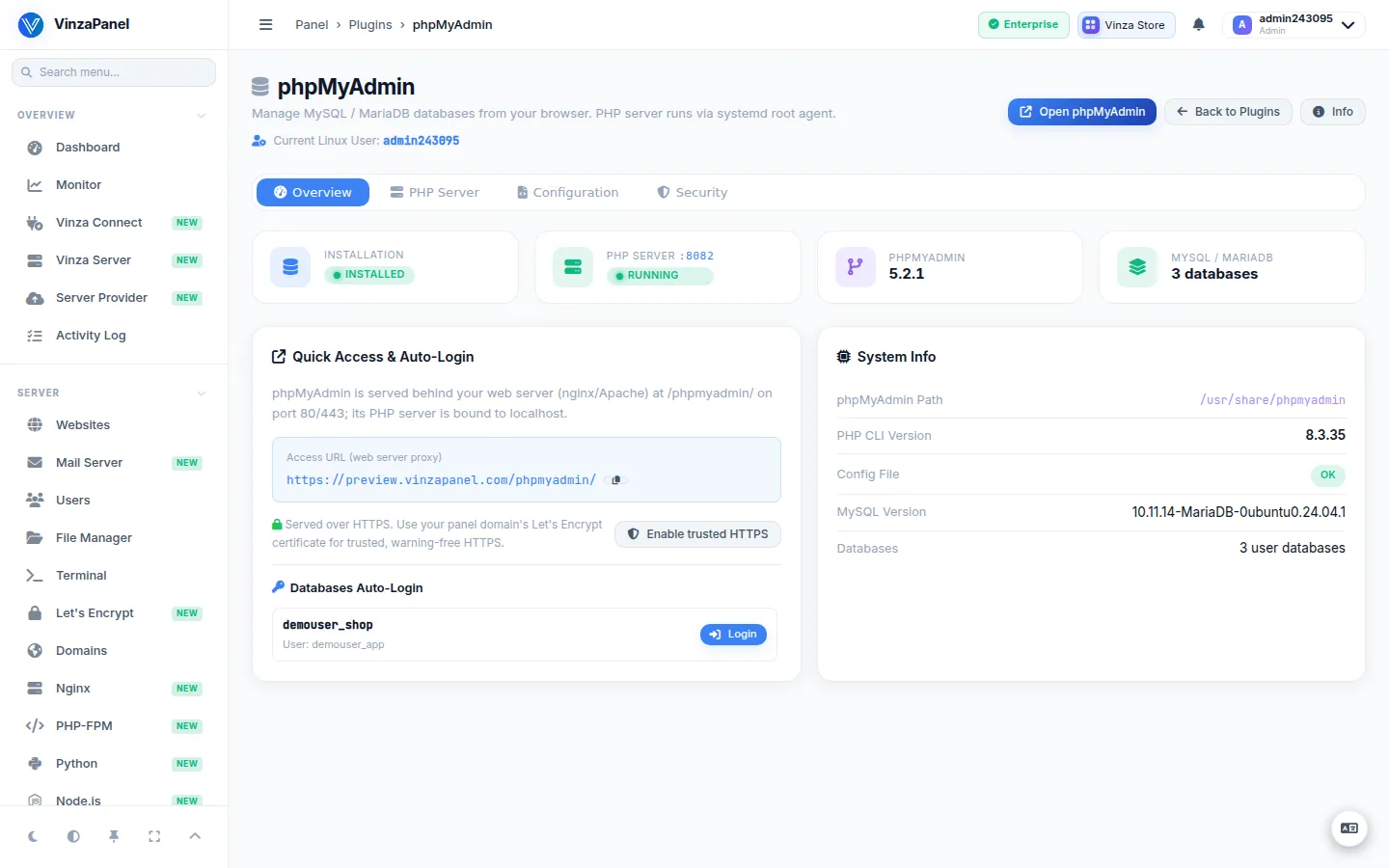
Users who are not administrators only see a read-only status view of this page; they reach phpMyAdmin through the auto-login buttons on their own databases.
PostgreSQL databases are not handled by phpMyAdmin. Manage them from Databases and the PostgreSQL app (see MySQL & MariaDB).