VinzaPanel ships with eight UI templates. Pick one for the whole panel, or let each user choose their own — every page and every app follows it, in light and dark mode.
The panel’s own look: navy surfaces, blue accent, soft rounded cards.
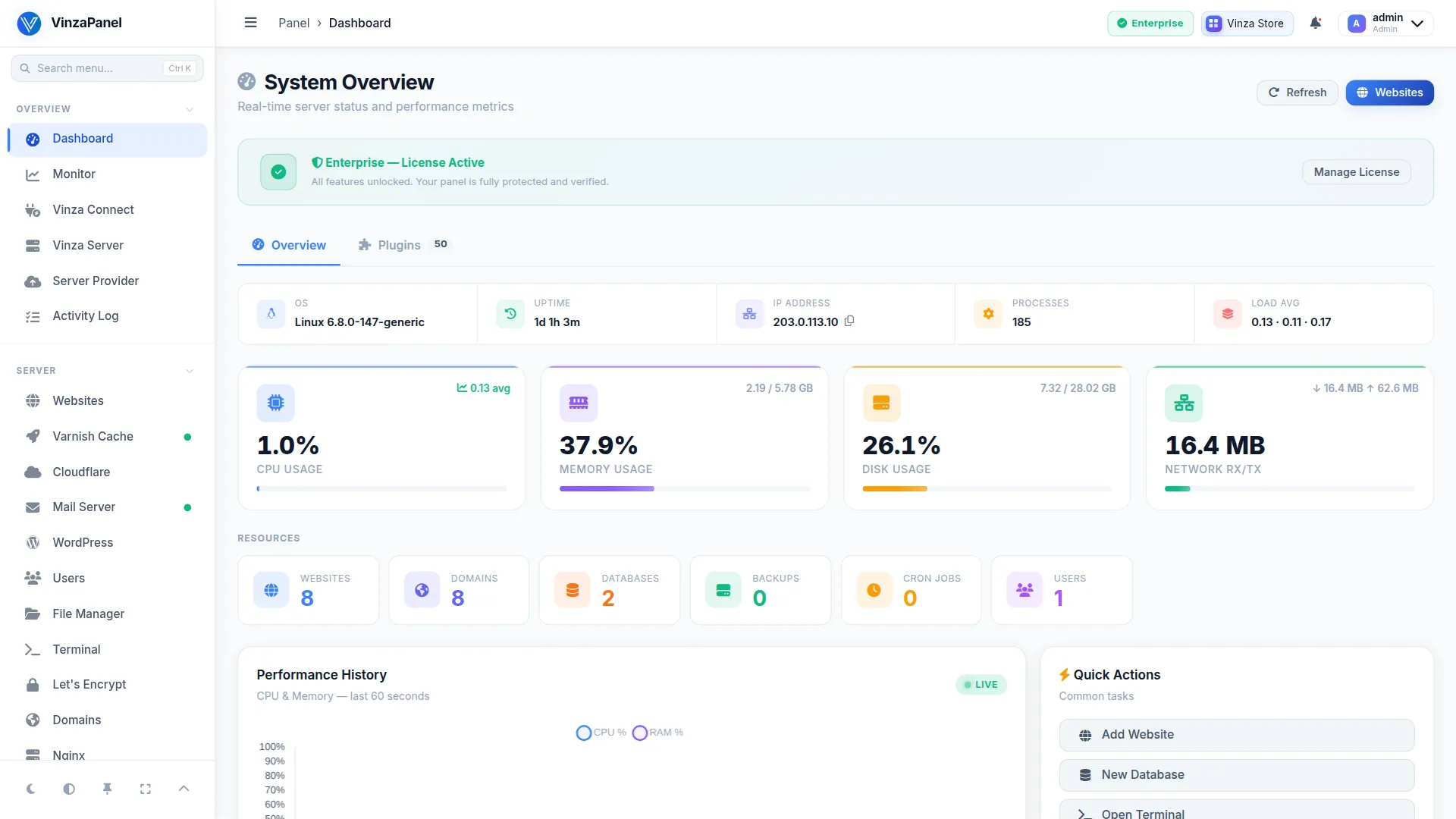
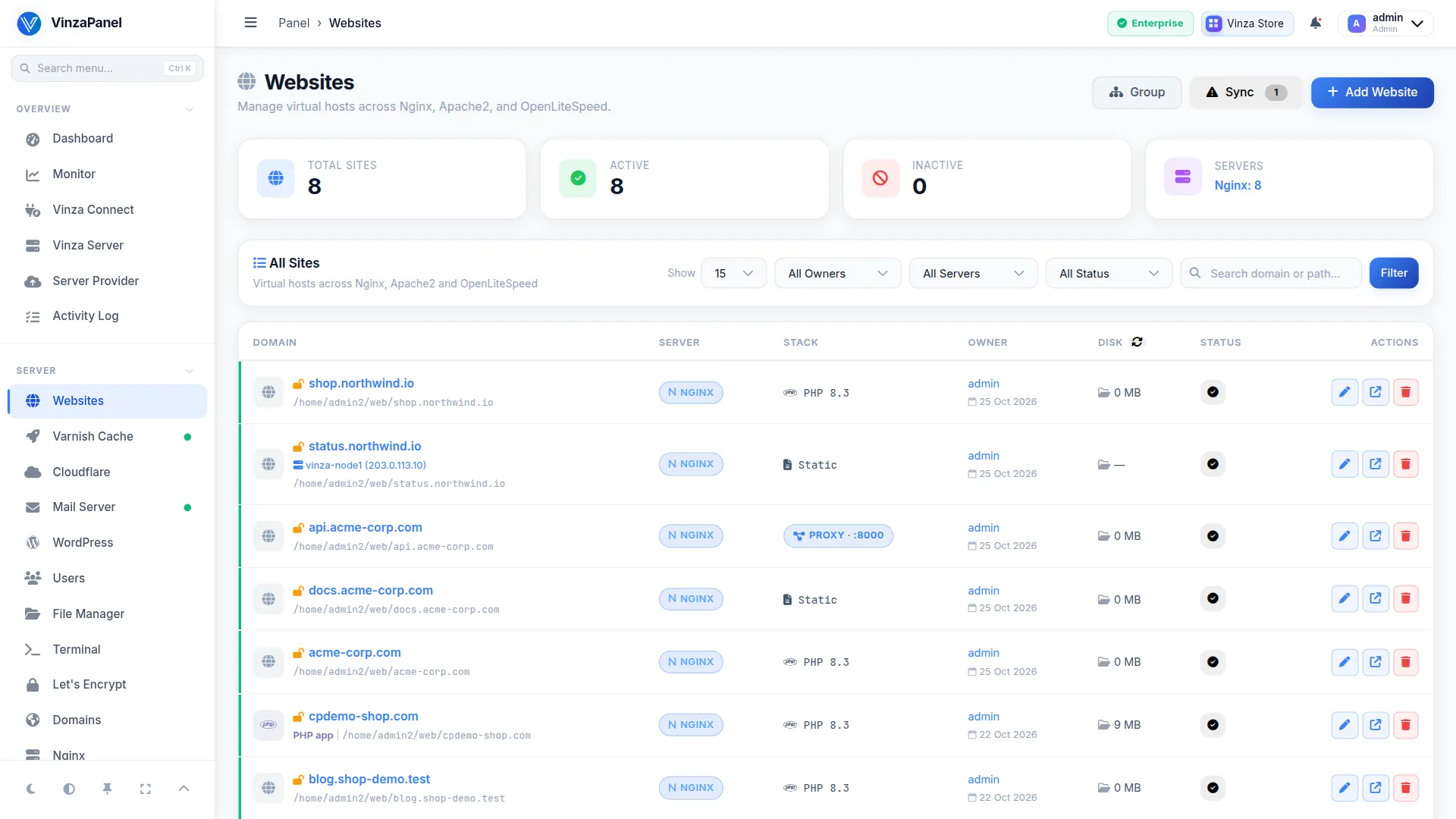
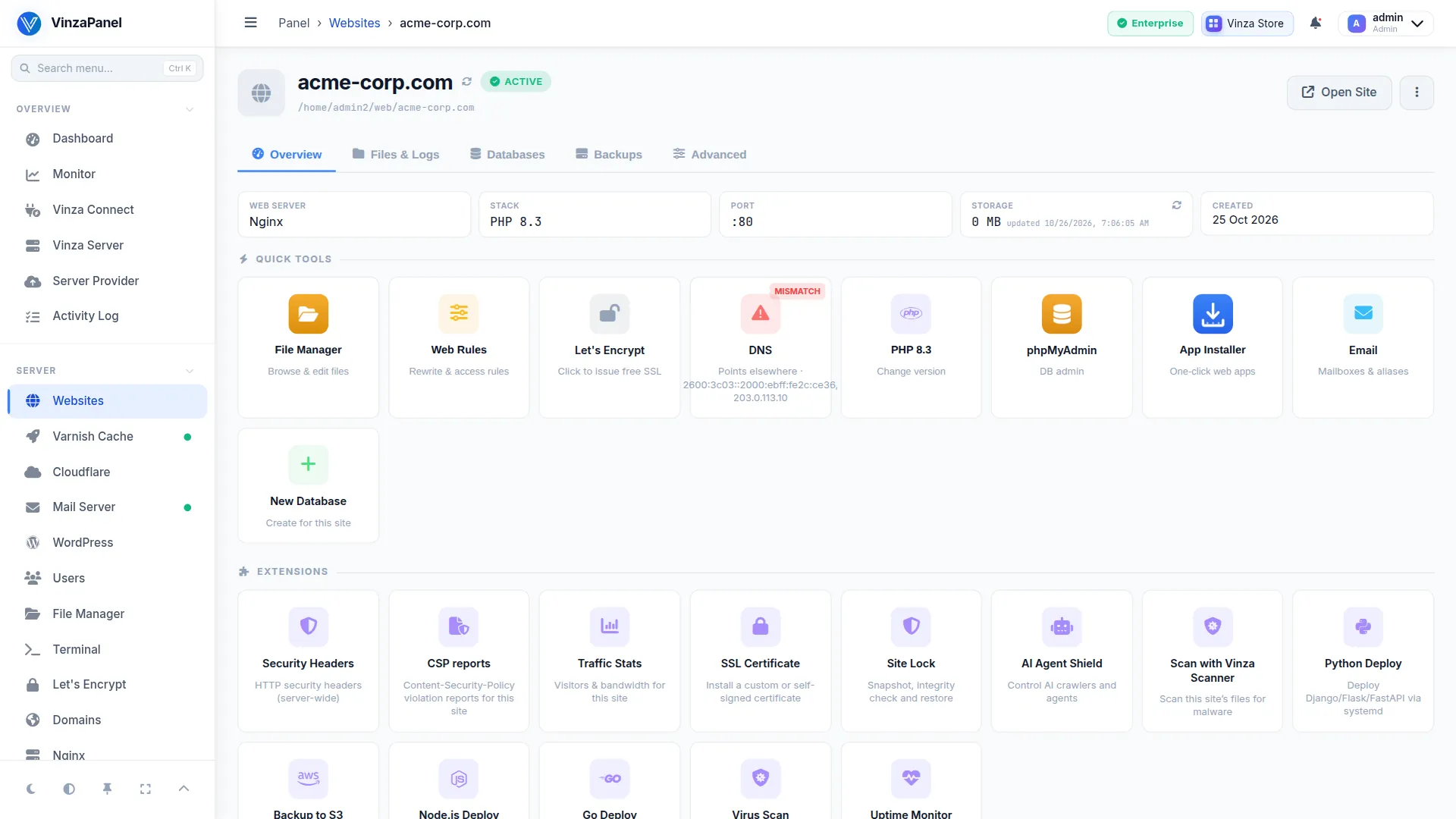
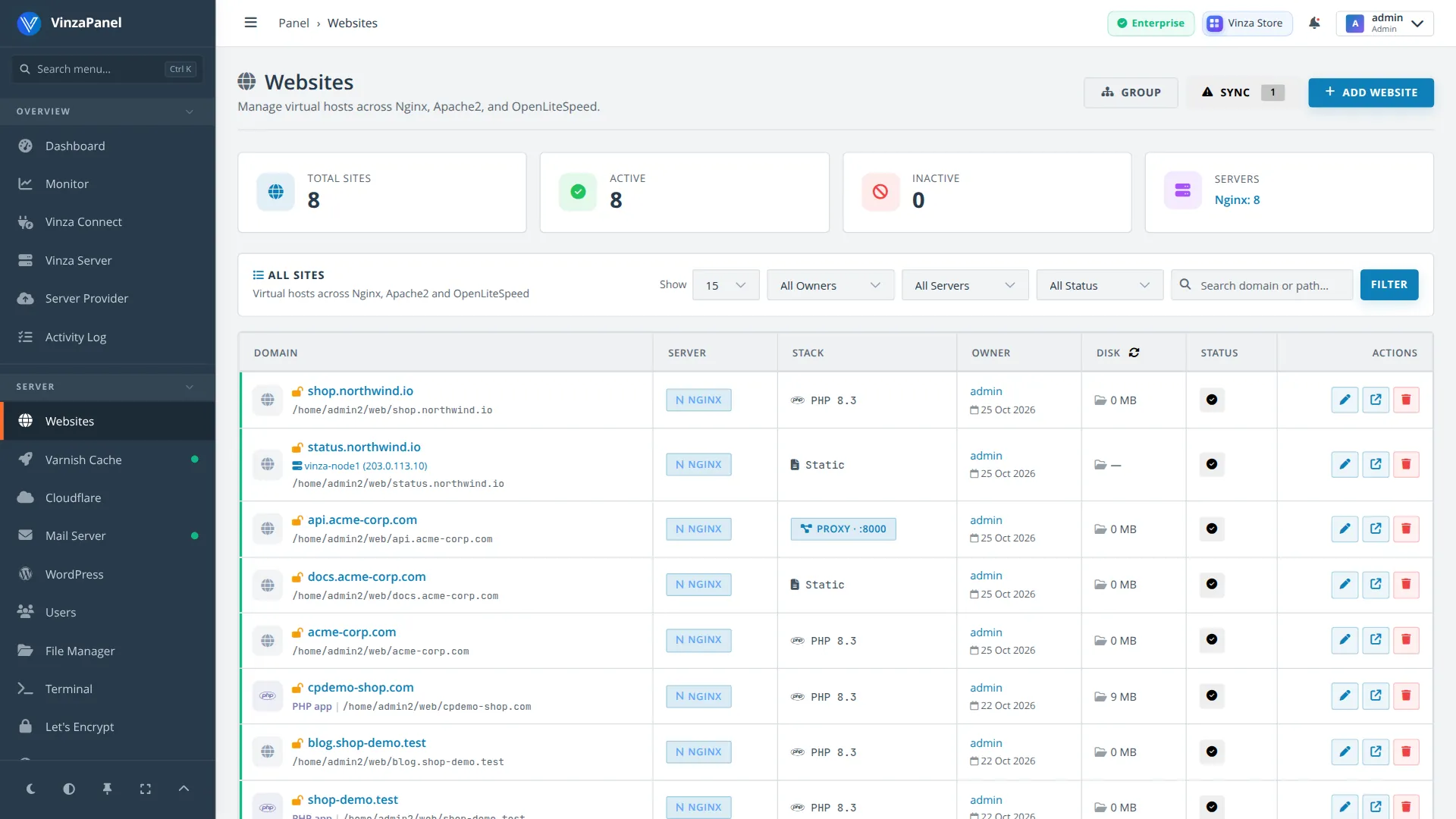
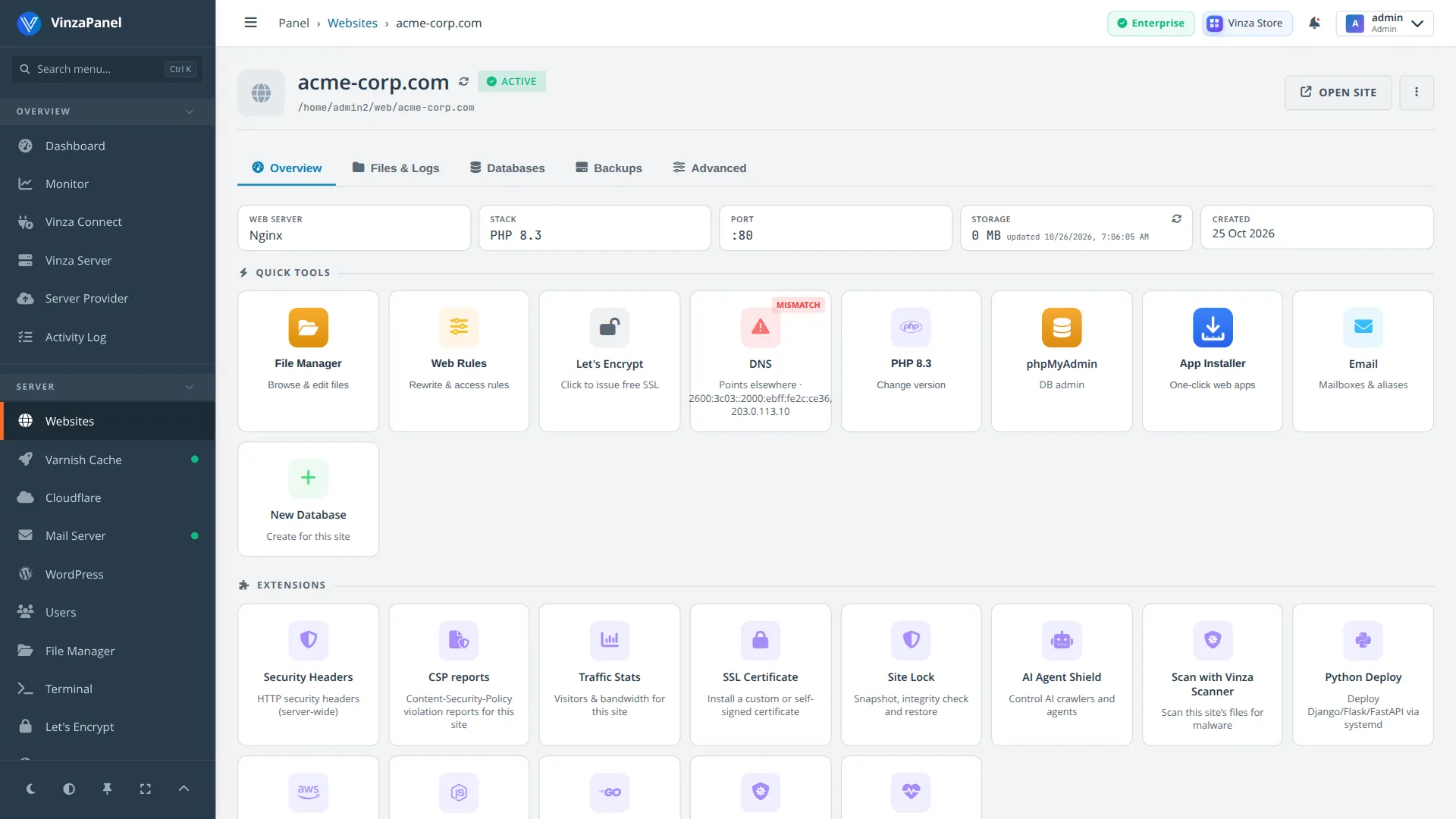
Classic hosting panel: navy sidebar, sky-blue actions, flat square cards.
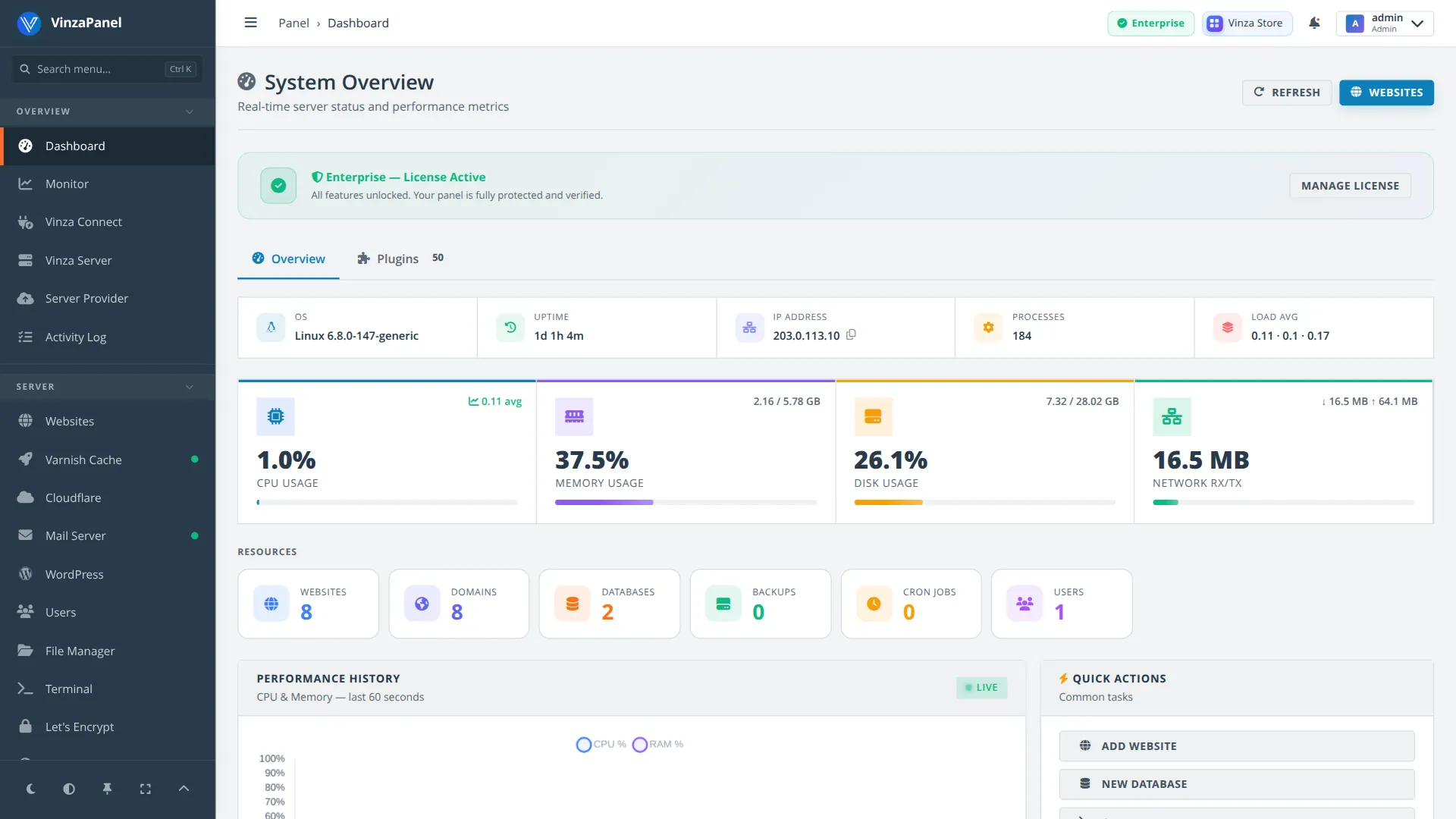
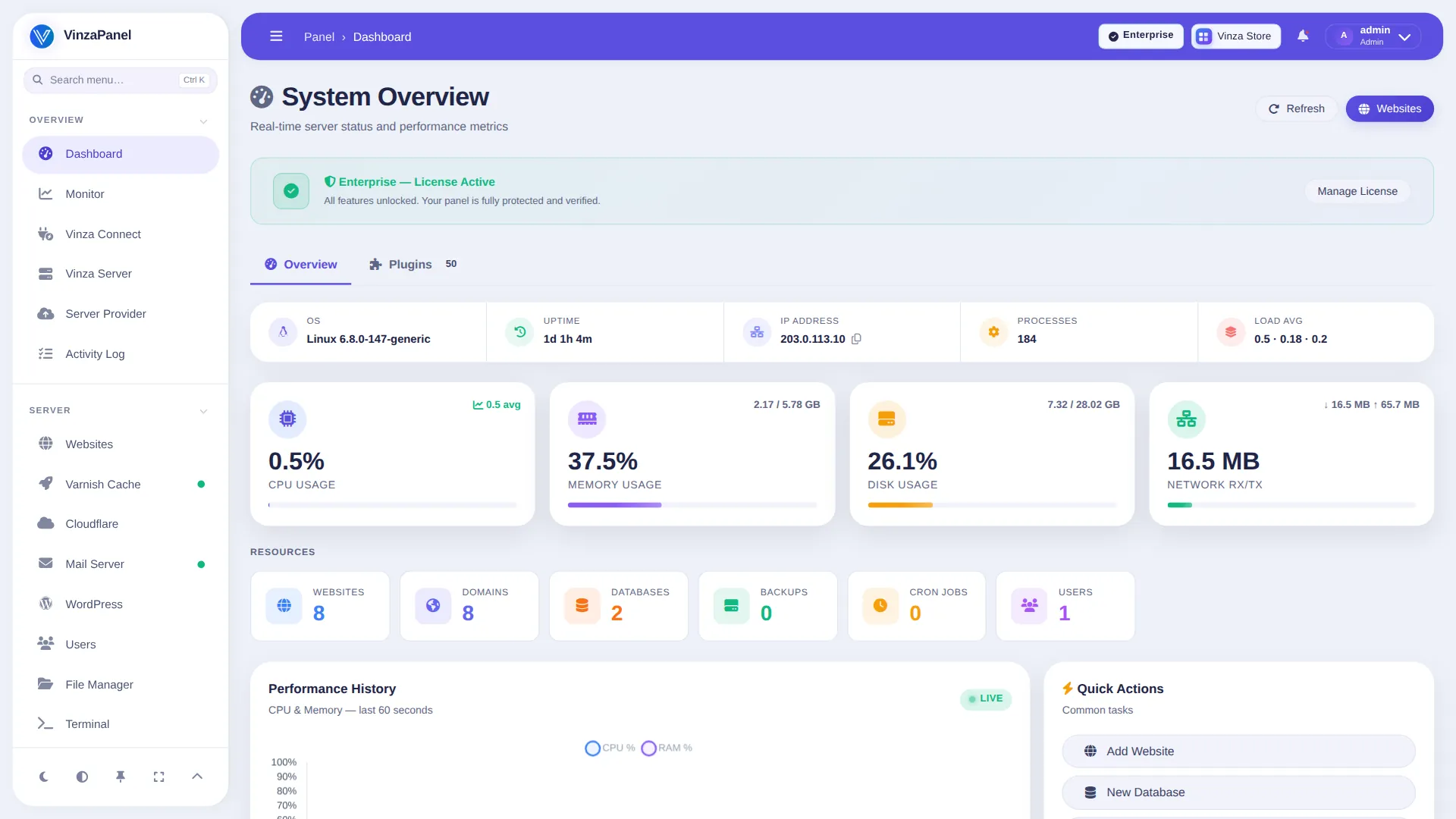
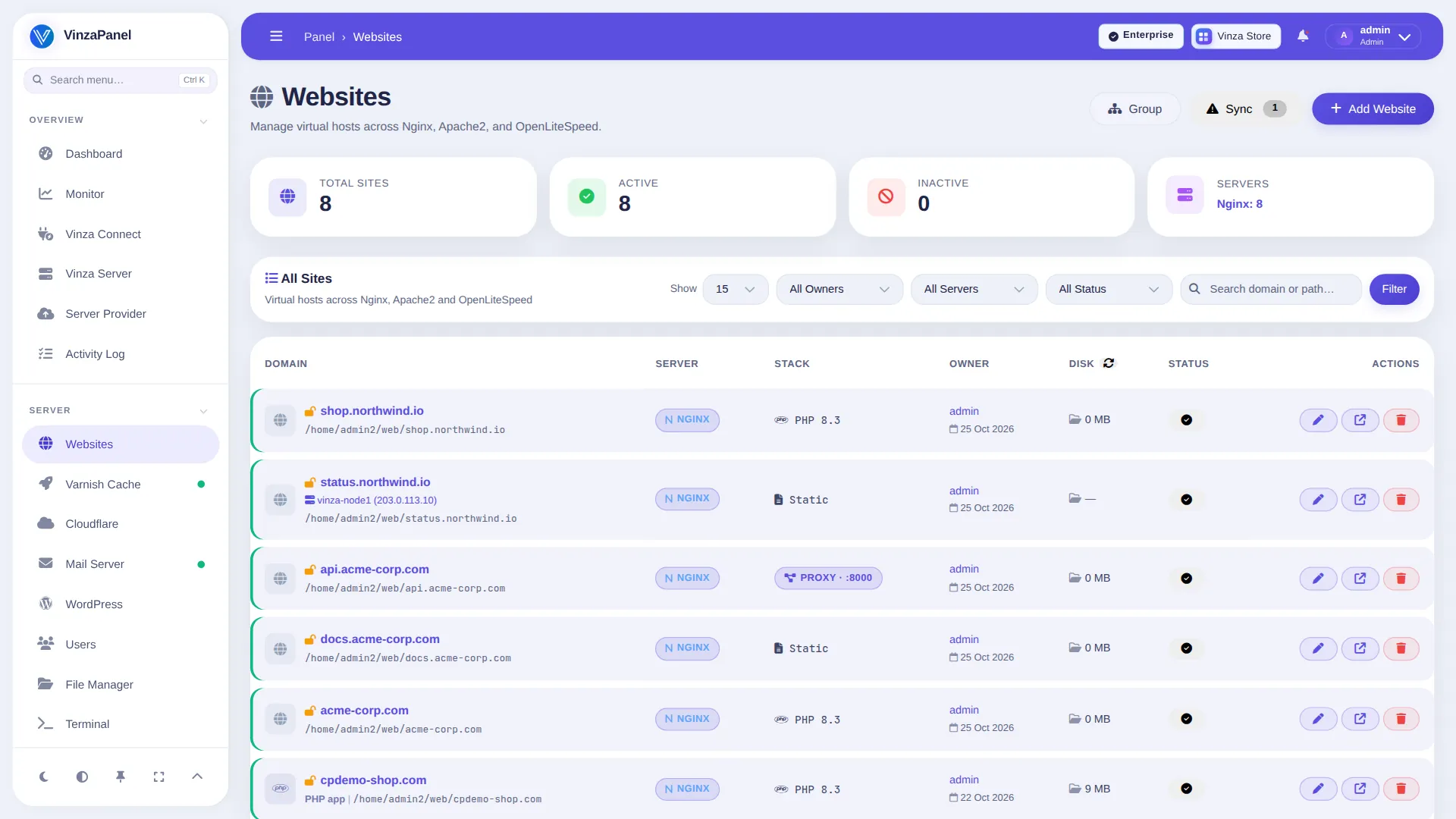
Bright and rounded: violet header bar, airy white sidebar, pill buttons.
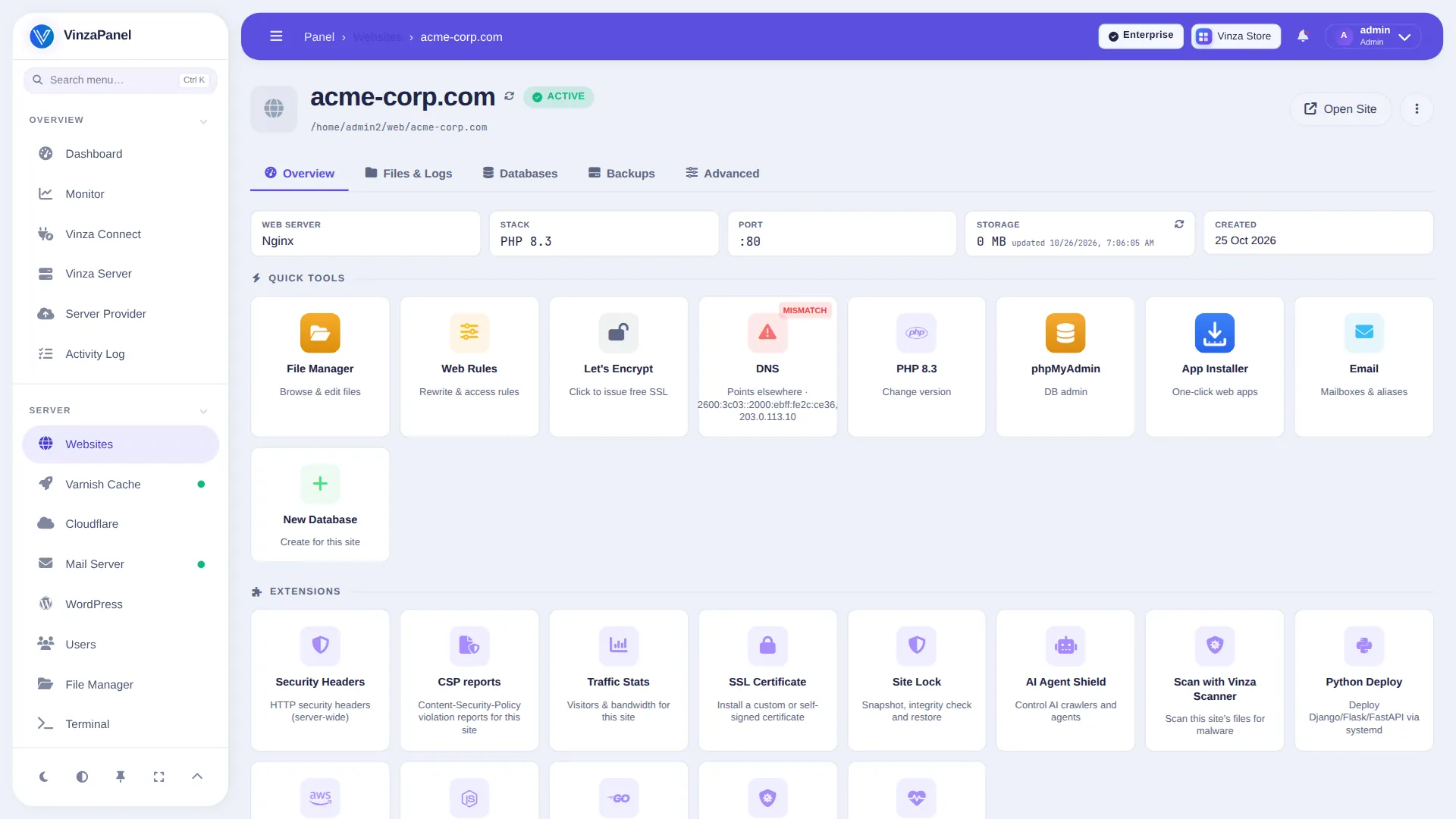
Compact server-admin look: charcoal sidebar, green highlights, tight spacing.
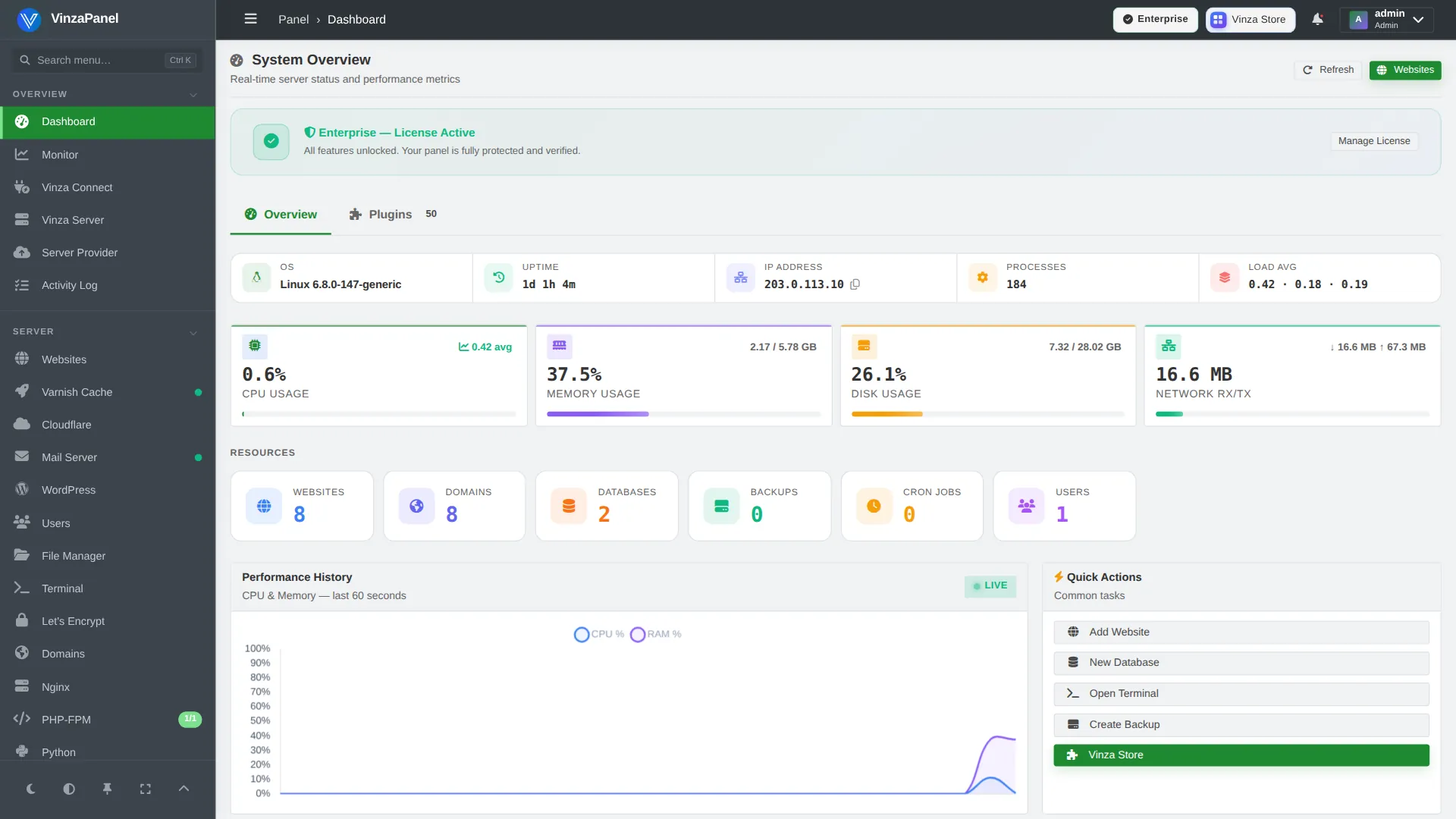
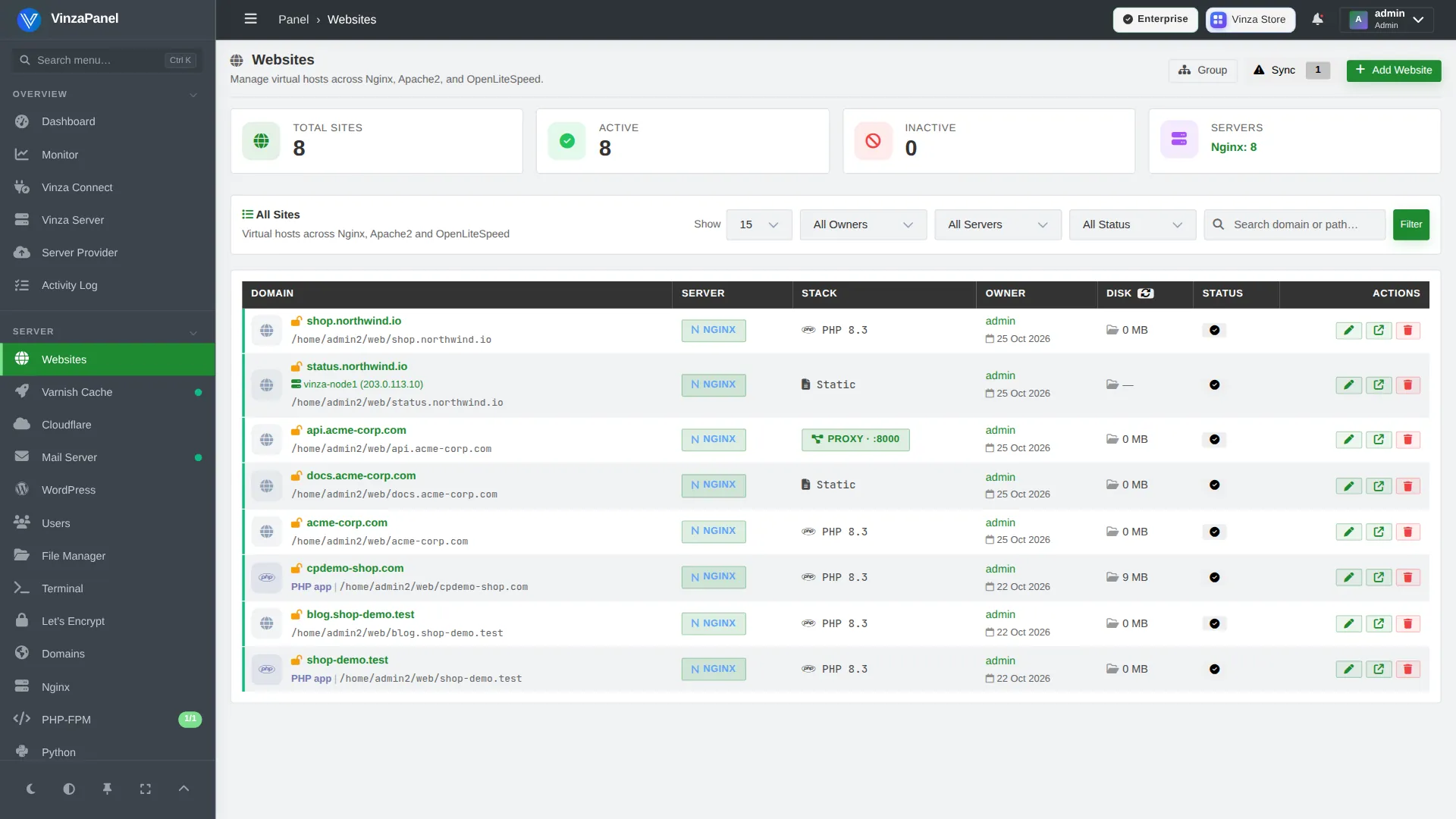
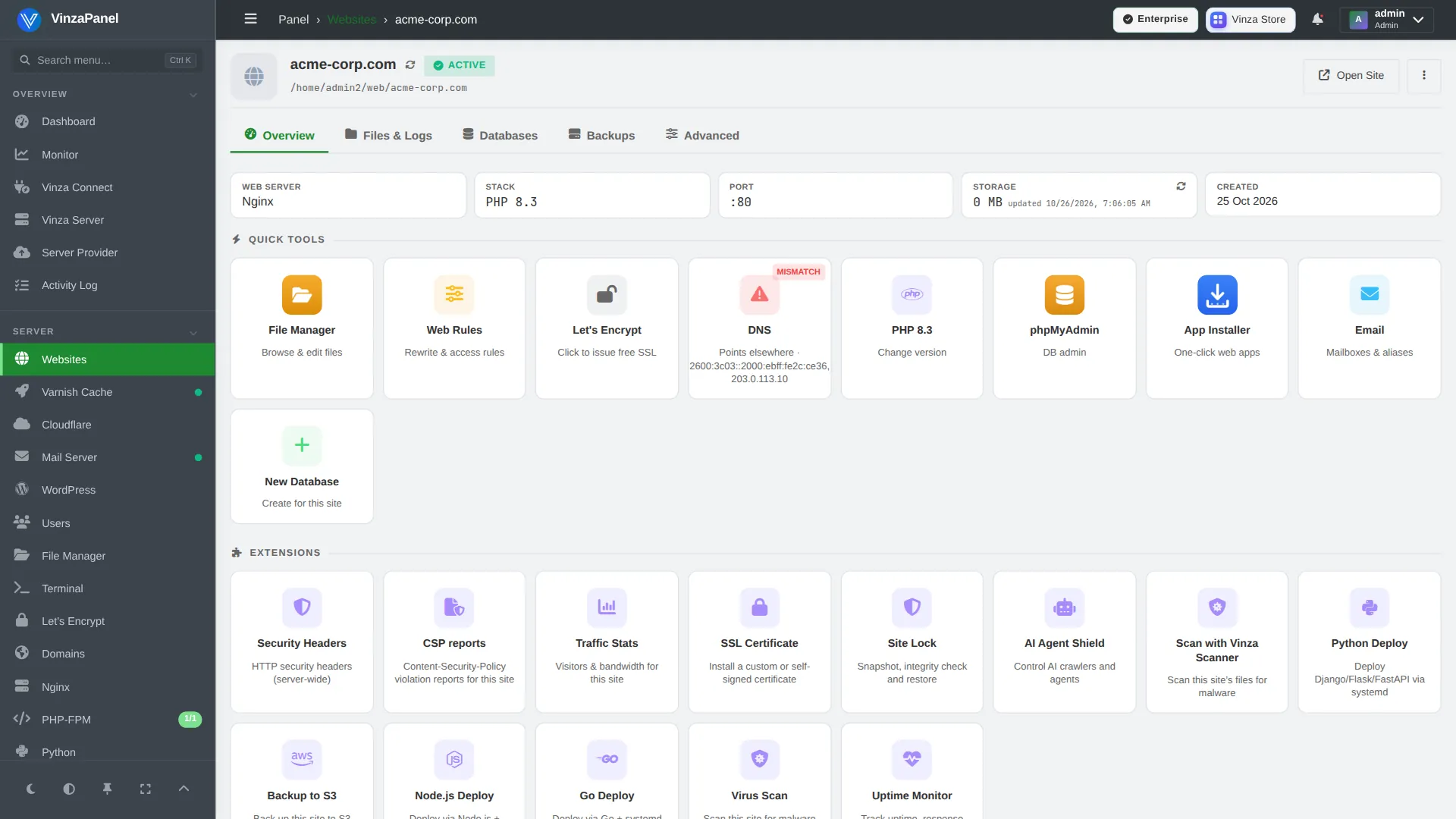
Clean and corporate: blue top bar, light sidebar, medium corners.
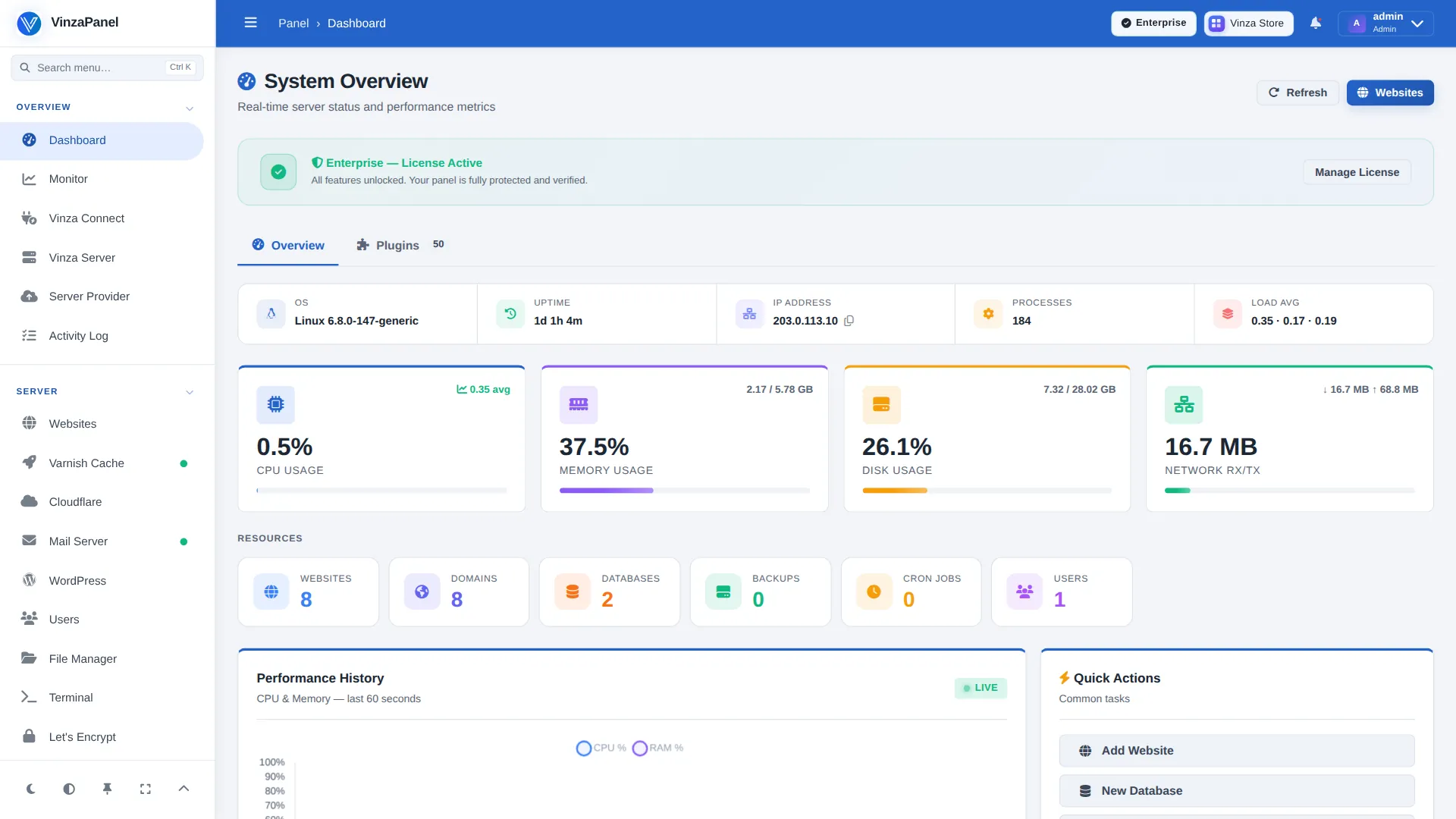
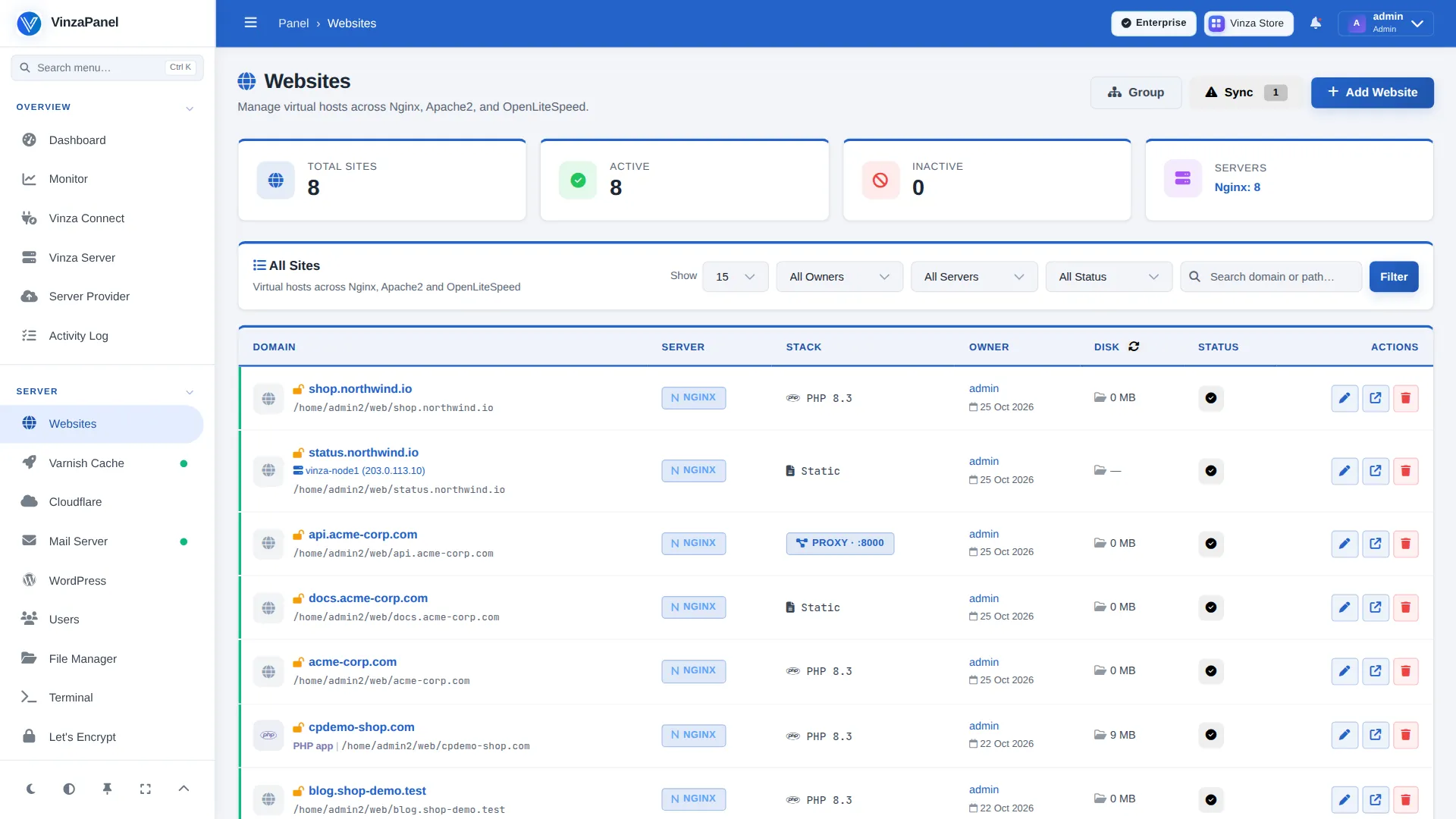
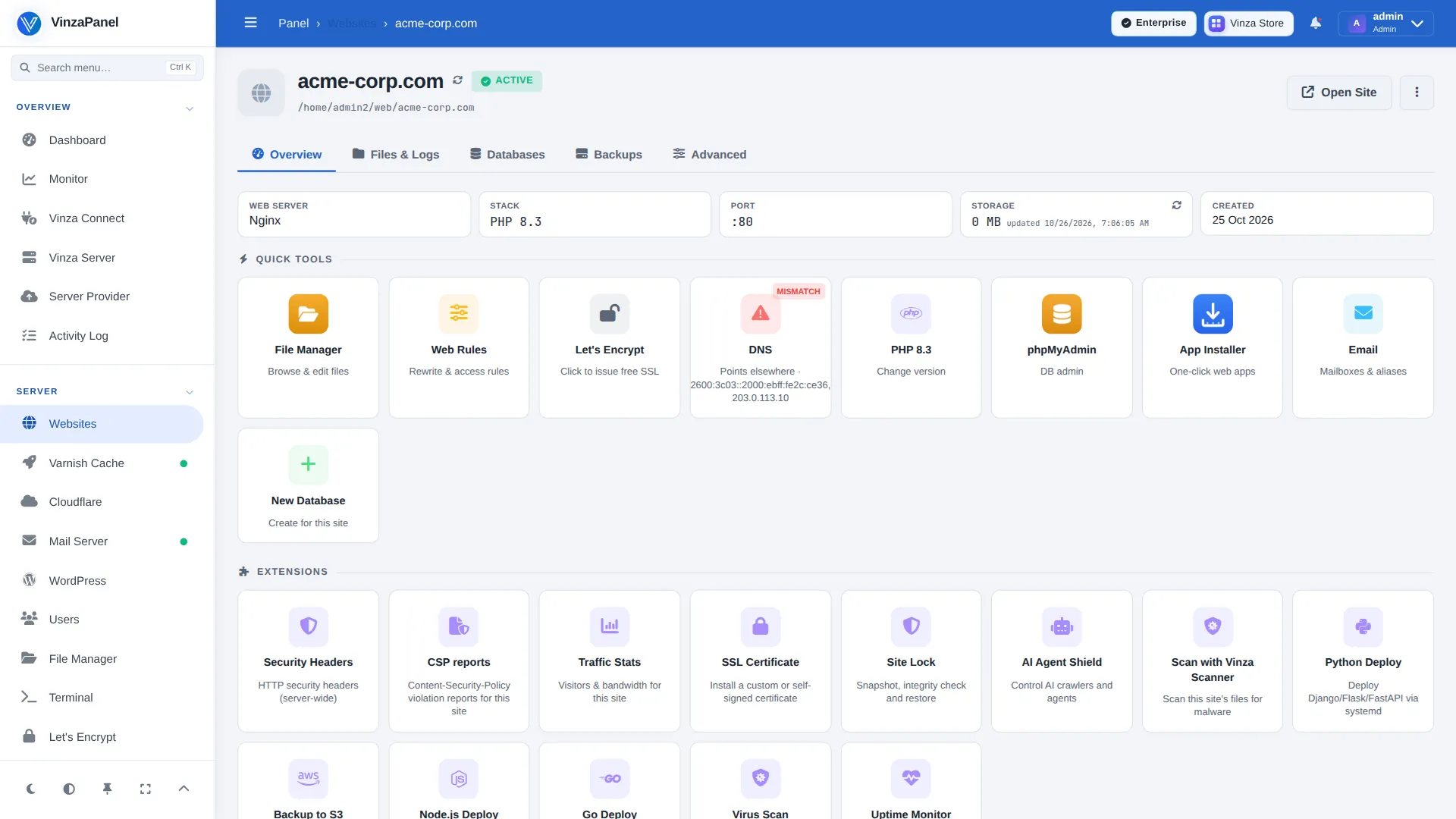
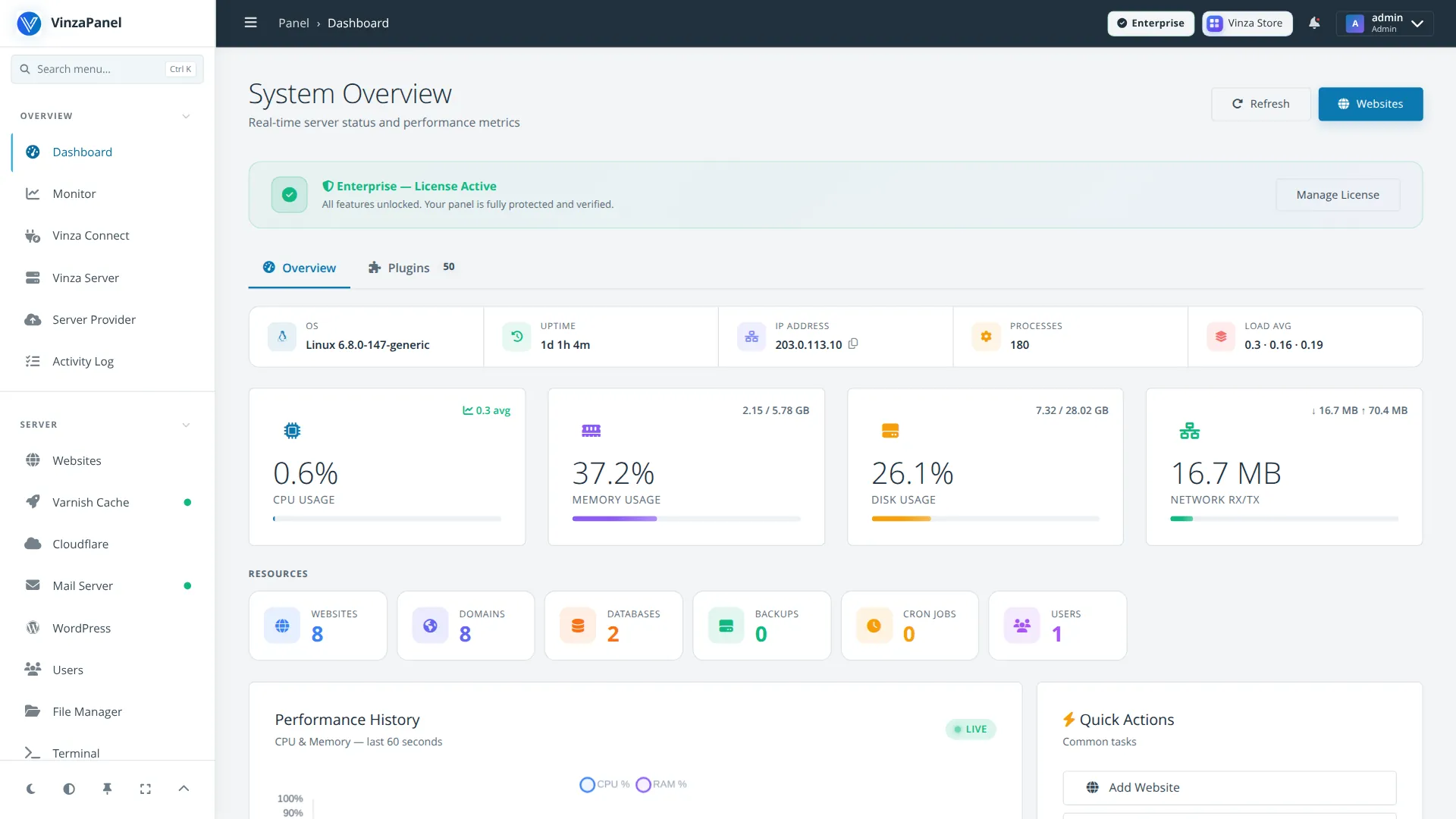
Calm and spacious: dark slate header, cyan accent, generous whitespace.
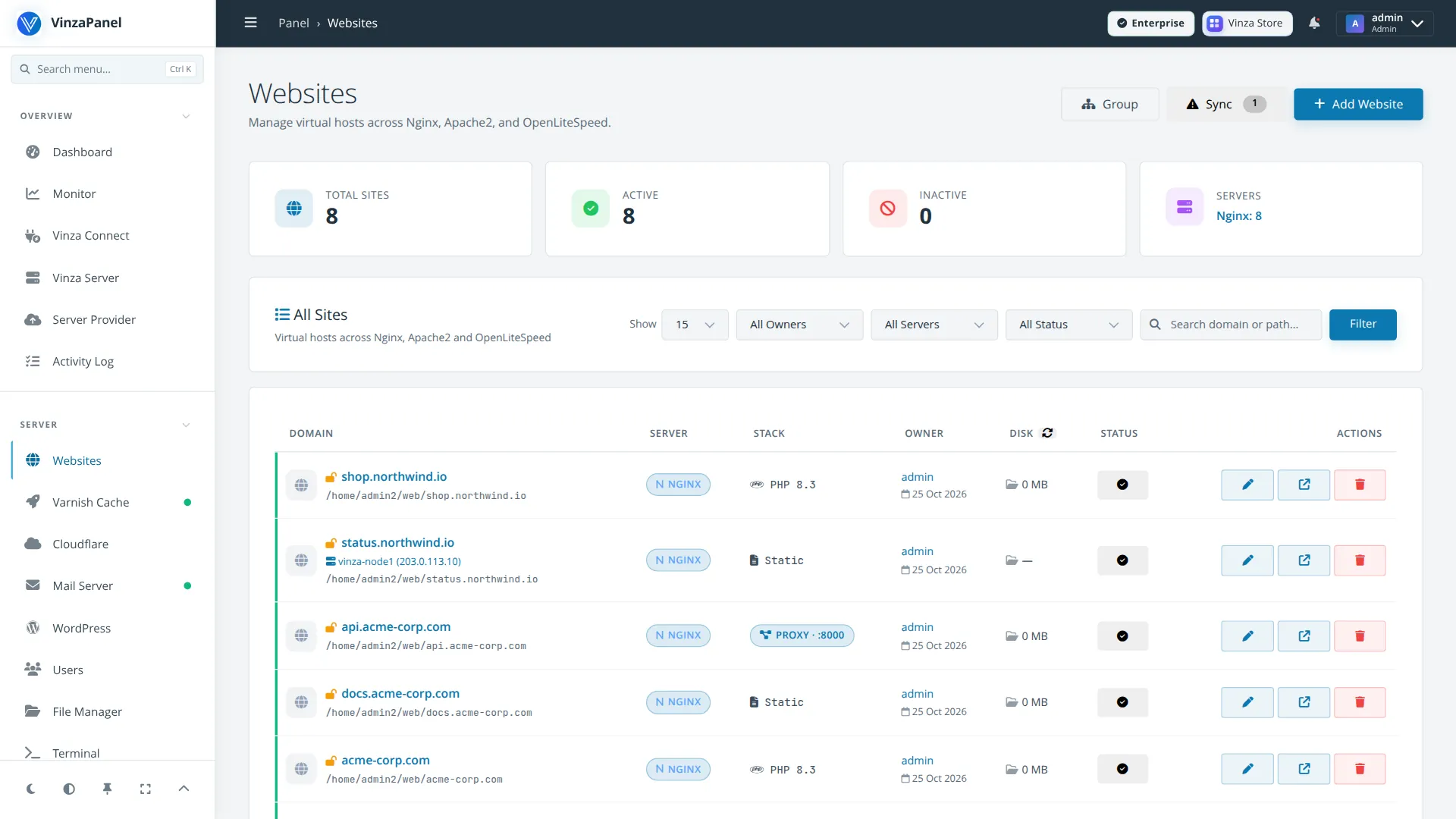
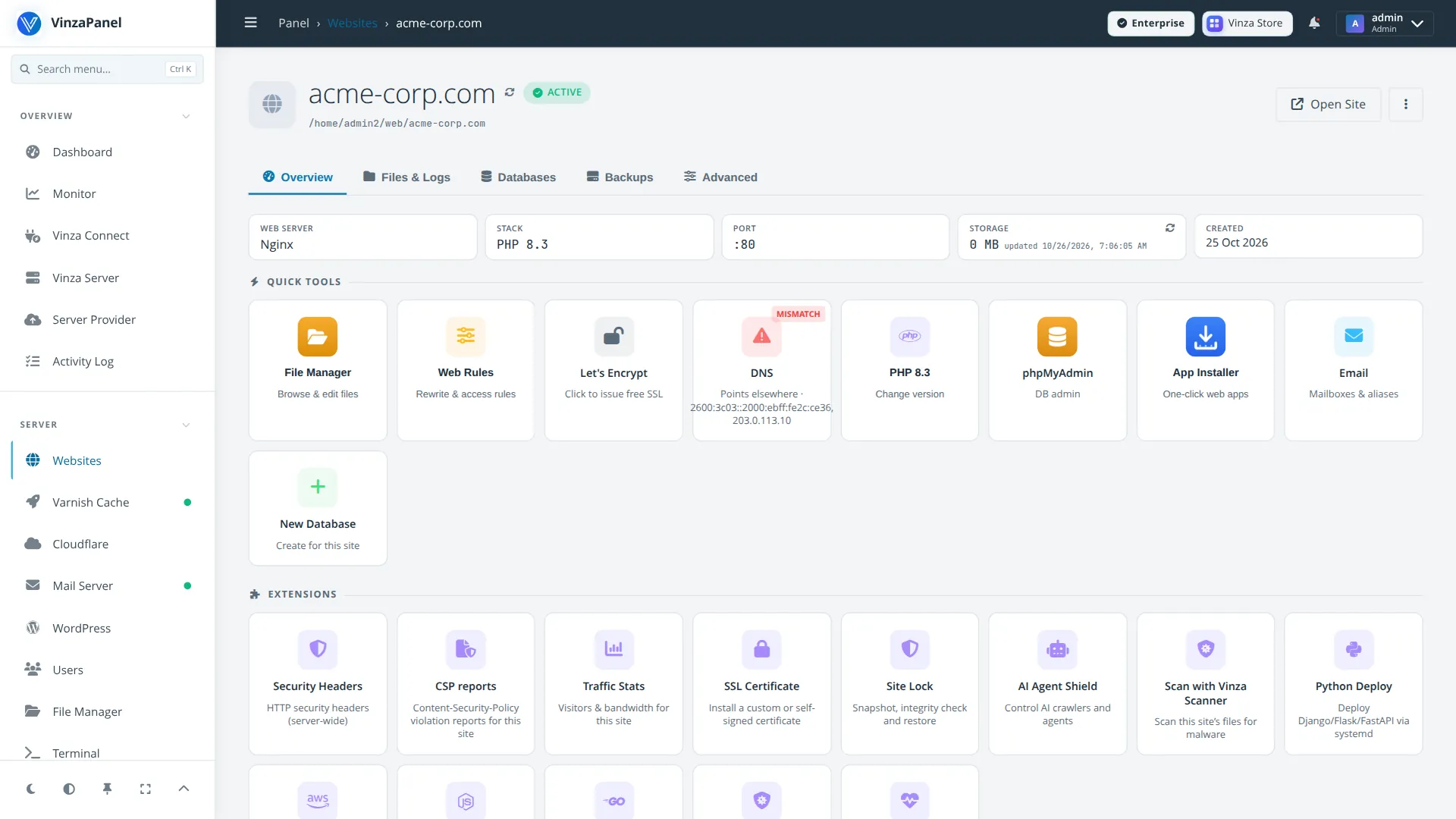
Minimal open-source style: graphite header, warm orange accent, hard edges.
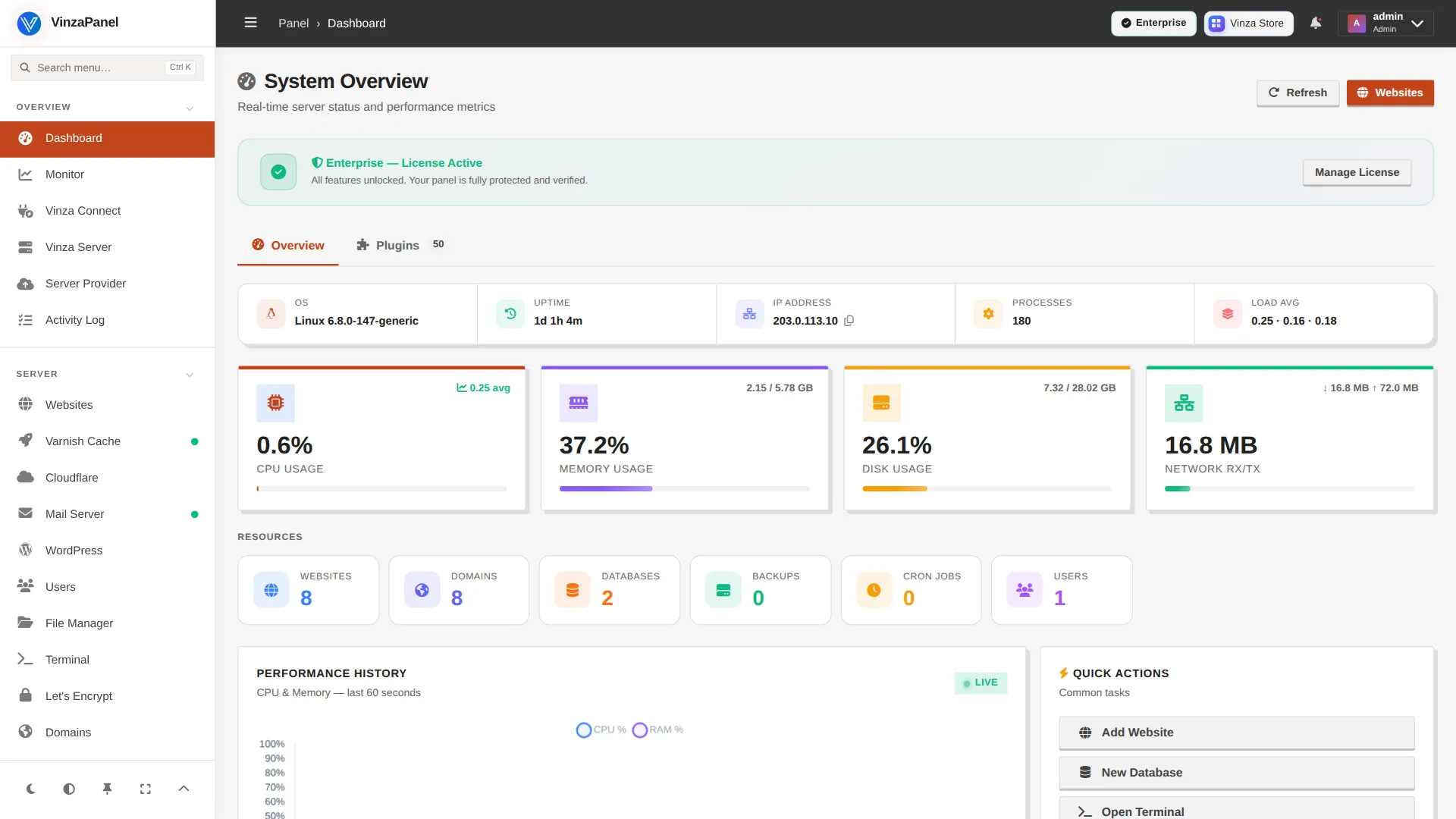
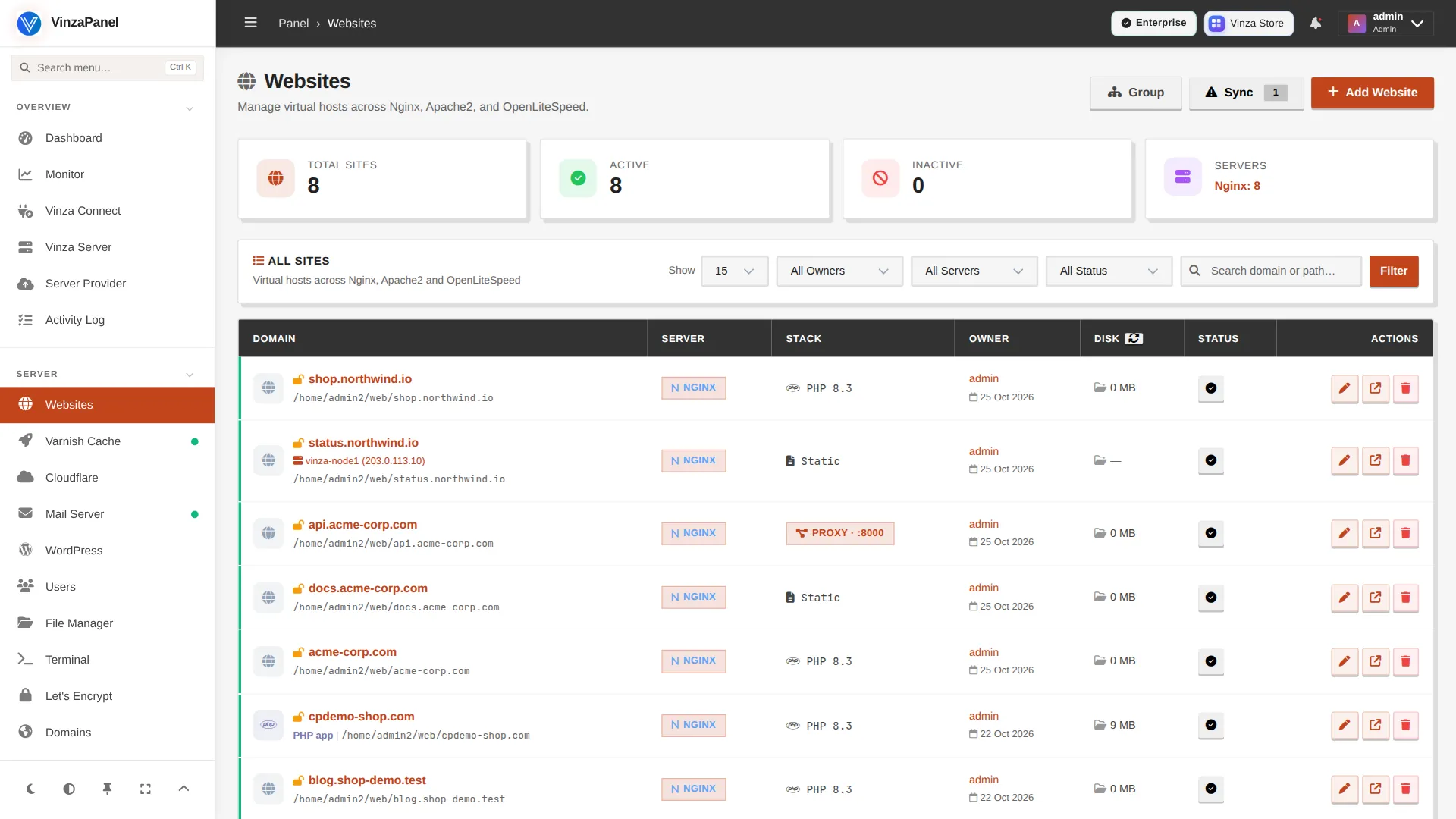
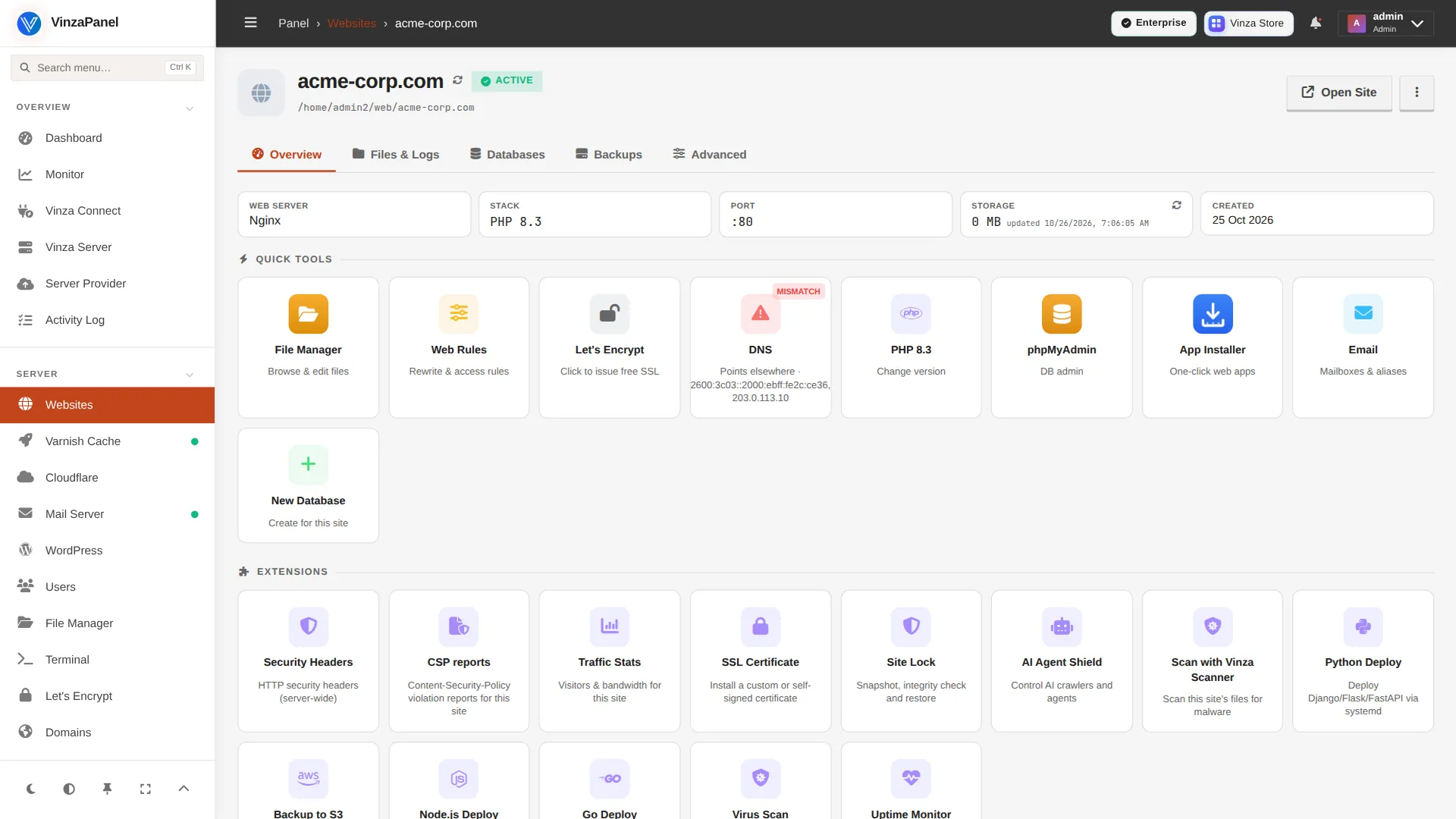
Utility look: dark grey sidebar, forest-green accent, dense tables.
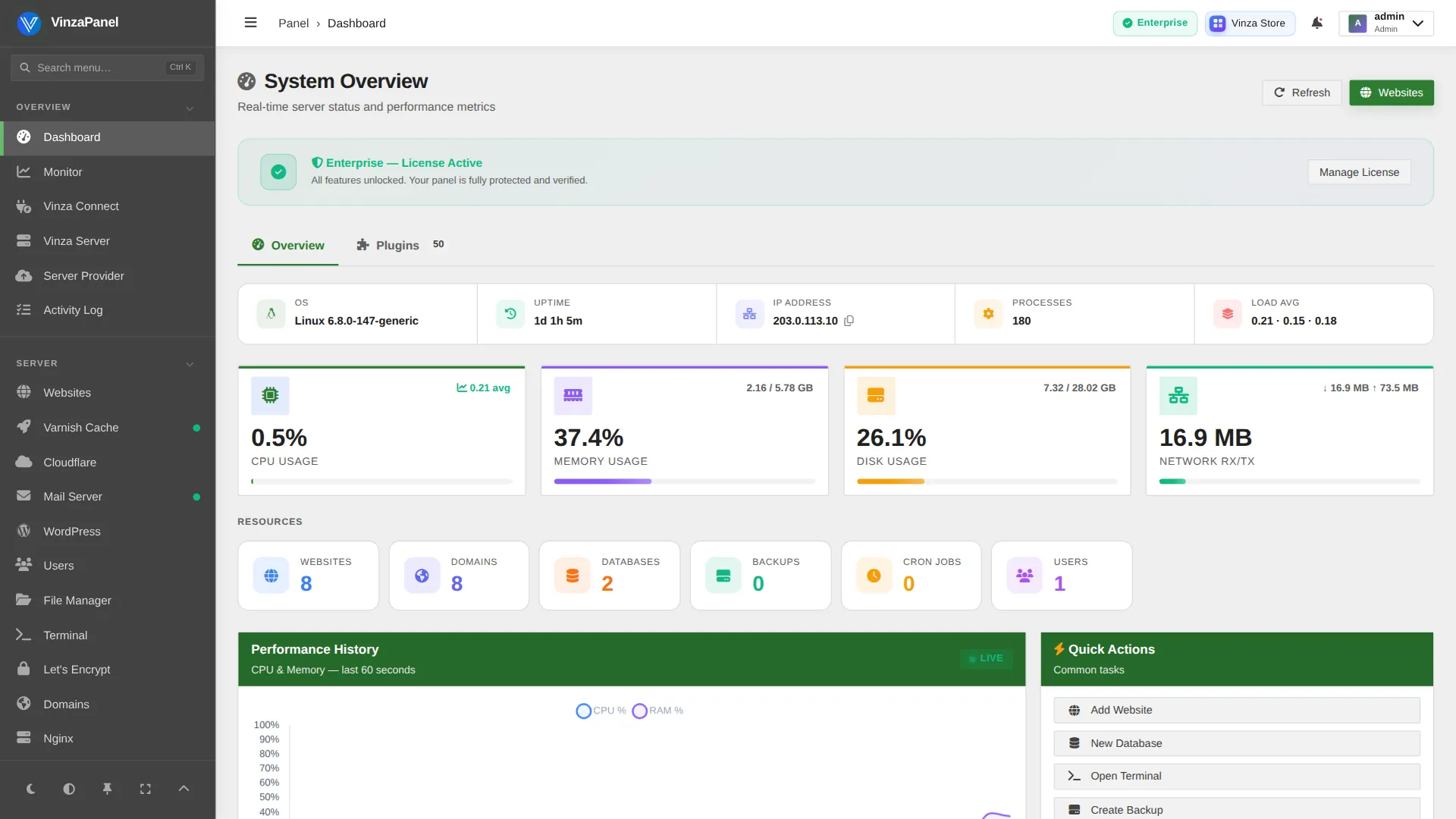
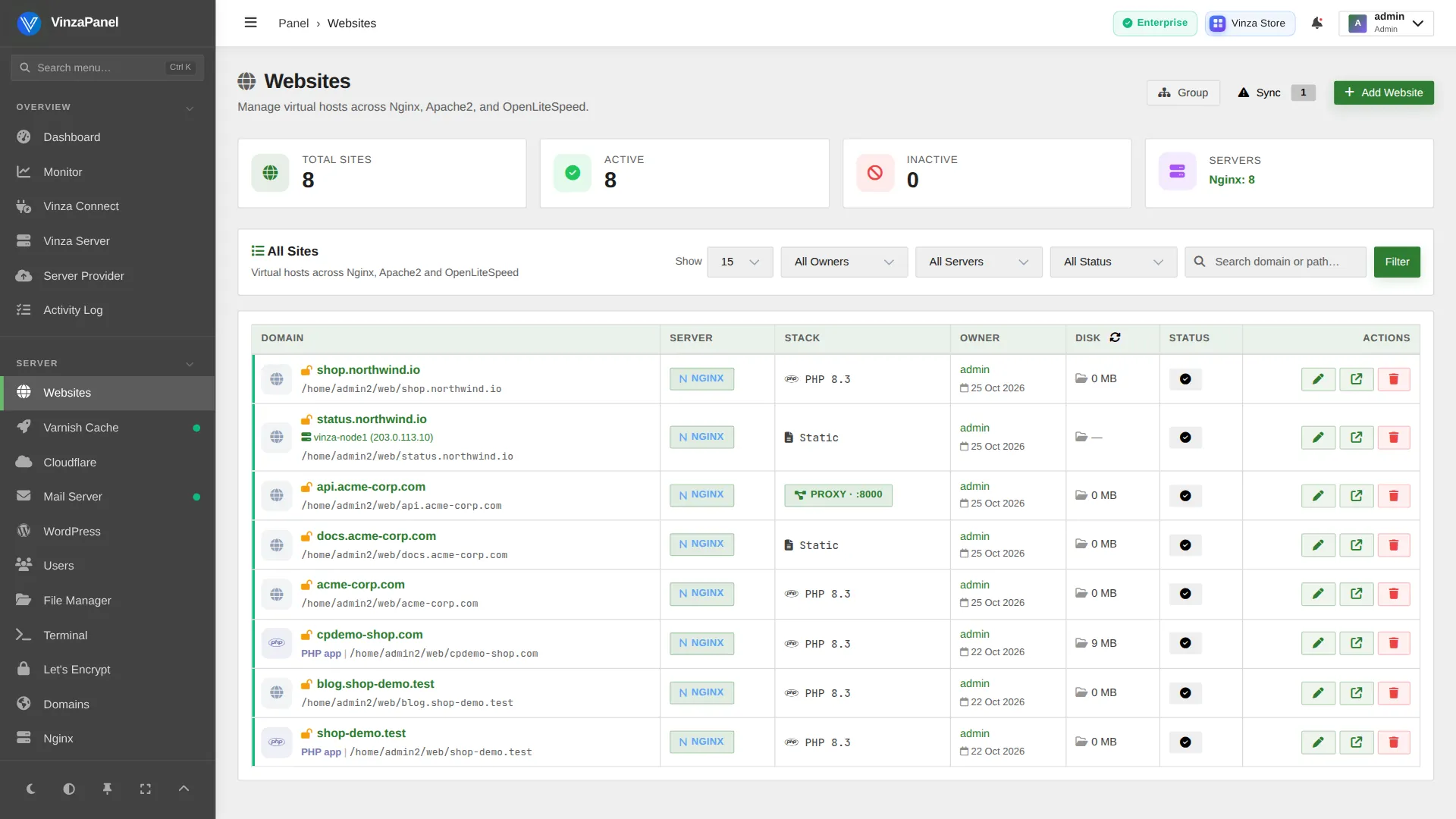
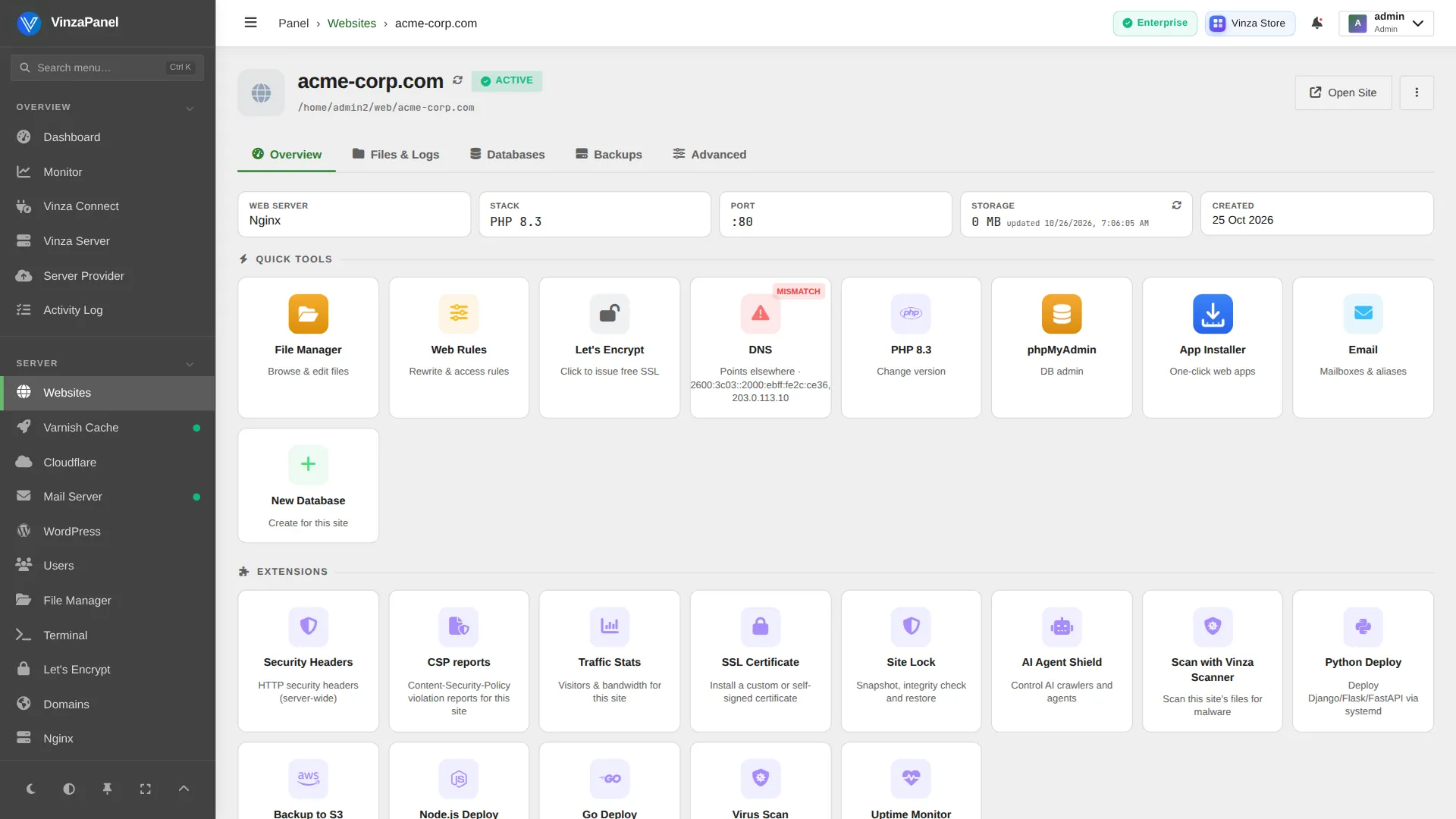
Templates are pure CSS, so nothing about your sites, data or apps changes when you switch.
An administrator picks the template for everyone under Panel Settings → Appearance.
Allow it, and each user can choose their own template from their profile.
Every template has a light and a dark mode, toggled from the sidebar.
Every template is included in every plan, the free one too.
 VinzaPanel